260 B The Setup Menu: Camera Setup
Add a comment to new photographs as they are taken.
Comments can be viewed as metadata in ViewNX-i or
Capture NX-D.
The comment is also visible on the shooting data
page in the photo information display (0 193). The following
options are available:
• Input comment: Input a comment as described on page 162.
Comments can be up to 36 characters long.
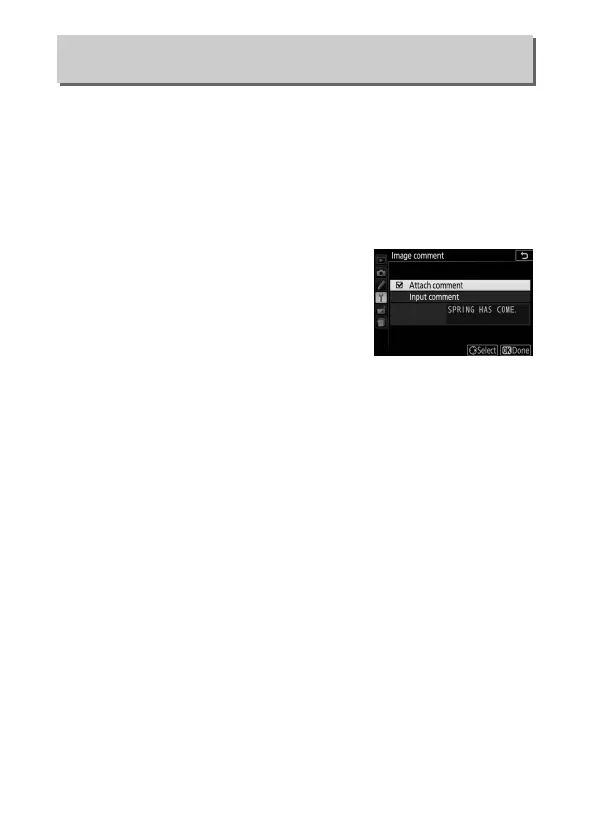
• Attach comment: Select this option to
attach the comment to all subsequent
photographs.
Attach comment can
be turned on and off by highlighting it
and pressing 2.
After choosing the
desired setting, press J to exit.
Image Comment
G button ➜ B setup menu











 To Next Page