18 Introduction
Shooting Options
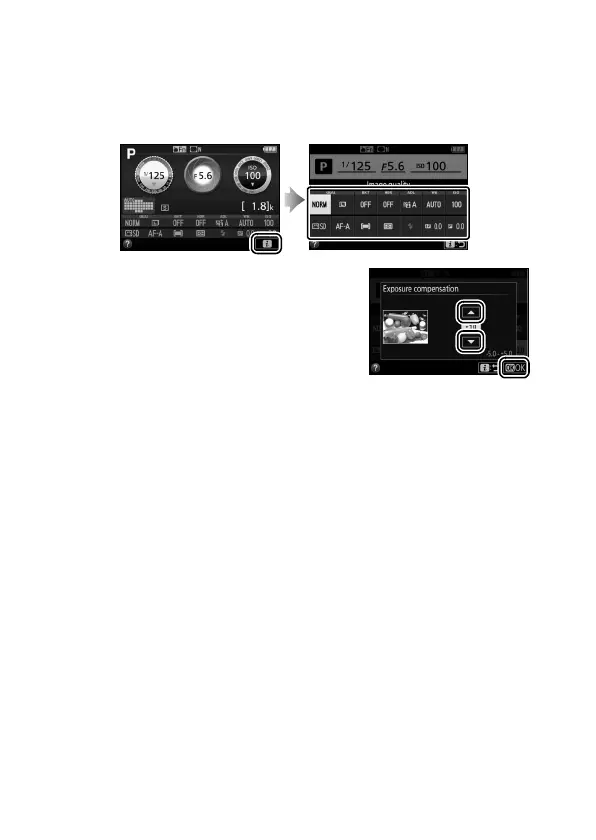
To change camera settings (0 12), tap the z icon at the bottom
right corner of the display and then tap icons to display options
for the corresponding setting.
Tap the desired option to select it
and return to the previous display.
If prompted to choose a value as shown
at right, edit the value by tapping u or v
and then tap the number or tap 0 to
select it and return to the previous
display.
To exit without changing settings, tap
2.











 To Next Page