24 Introduction
View
thumbnails
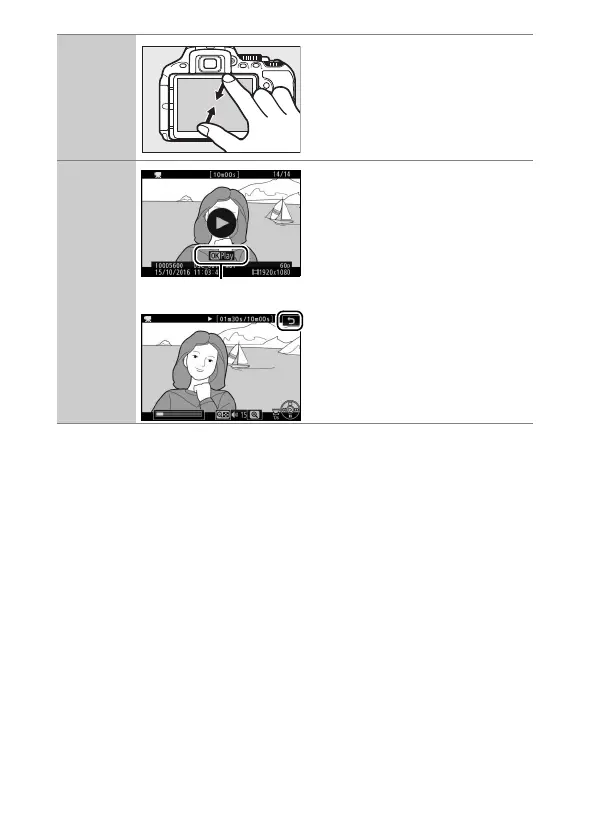
To “zoom out” to a thumbnail
view (0 185), use a pinch
gesture in full-frame playback.
Use pinch and stretch to choose
the number of images displayed
from 4, 12, or 80 frames.
View movies
Tap the on-screen guide to start
movie playback (movies are
indicated by a 1 icon). Tap the
display to pause or resume, or
tap 1 to exit to full-frame
playback (note that some of the
icons in the movie playback
display do not respond to touch-
screen operations).
Guide











 To Next Page