50 Basic Photography and Playback
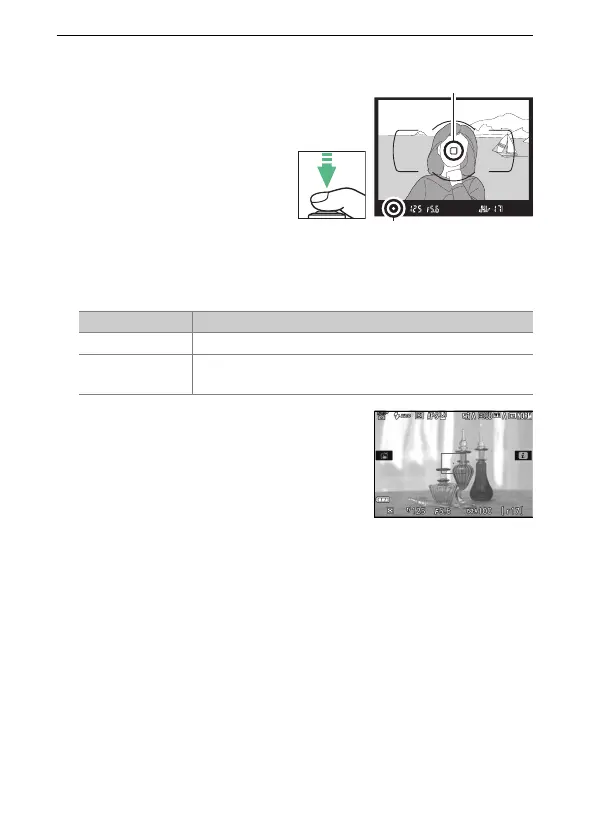
4 Press the shutter-release button halfway.
Viewfinder photography: Press
the shutter-release button
halfway to focus
(if the
subject is poorly lit, the
flash may pop up and the
AF-assist illuminator may
light). When the focus
operation is complete, a
beep will sound (a beep
may not sound if the subject is moving) and the active focus
point and in-focus indicator (I) will appear in the viewfinder.
Live view: The focus point flashes green
while the camera focuses.
If the
camera is able to focus, the focus
point will be displayed in green;
otherwise, the focus point will flash
red.
In-focus indicator Description
I Subject in focus.
I (flashes)
Camera unable to focus using autofocus.
See
page 86.
Focus point
In-focus indicator











 To Next Page