54 Basic Photography and Playback
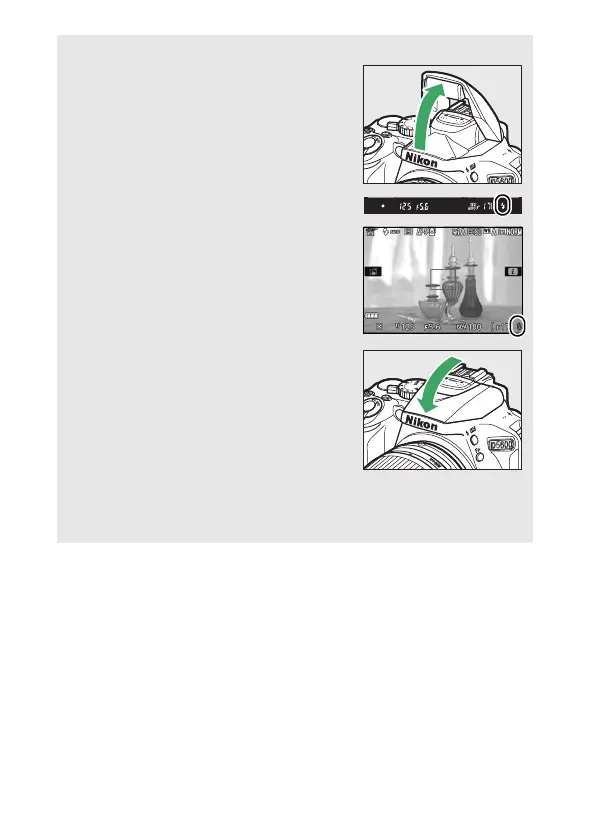
A The Built-in Flash
If additional lighting is required for correct
exposure in i mode, the built-in flash will
pop up automatically when the shutter-
release button is pressed halfway (0 101).
If the flash is raised, photographs can only
be taken when the flash-ready indicator (M)
is displayed.
If the flash-ready indicator is
not displayed, the flash is charging; remove
your finger briefly from the shutter-release
button and try again.
When the flash is not in use, return it to its
closed position by pressing it gently
downward till the latch clicks into place.
A Exposure
Depending on the scene, exposure may differ from that which would
be obtained when live view is not used.











 To Next Page