20
SYSTEM PARAMETERS SETTING
Symbol to select on the left side of the screen
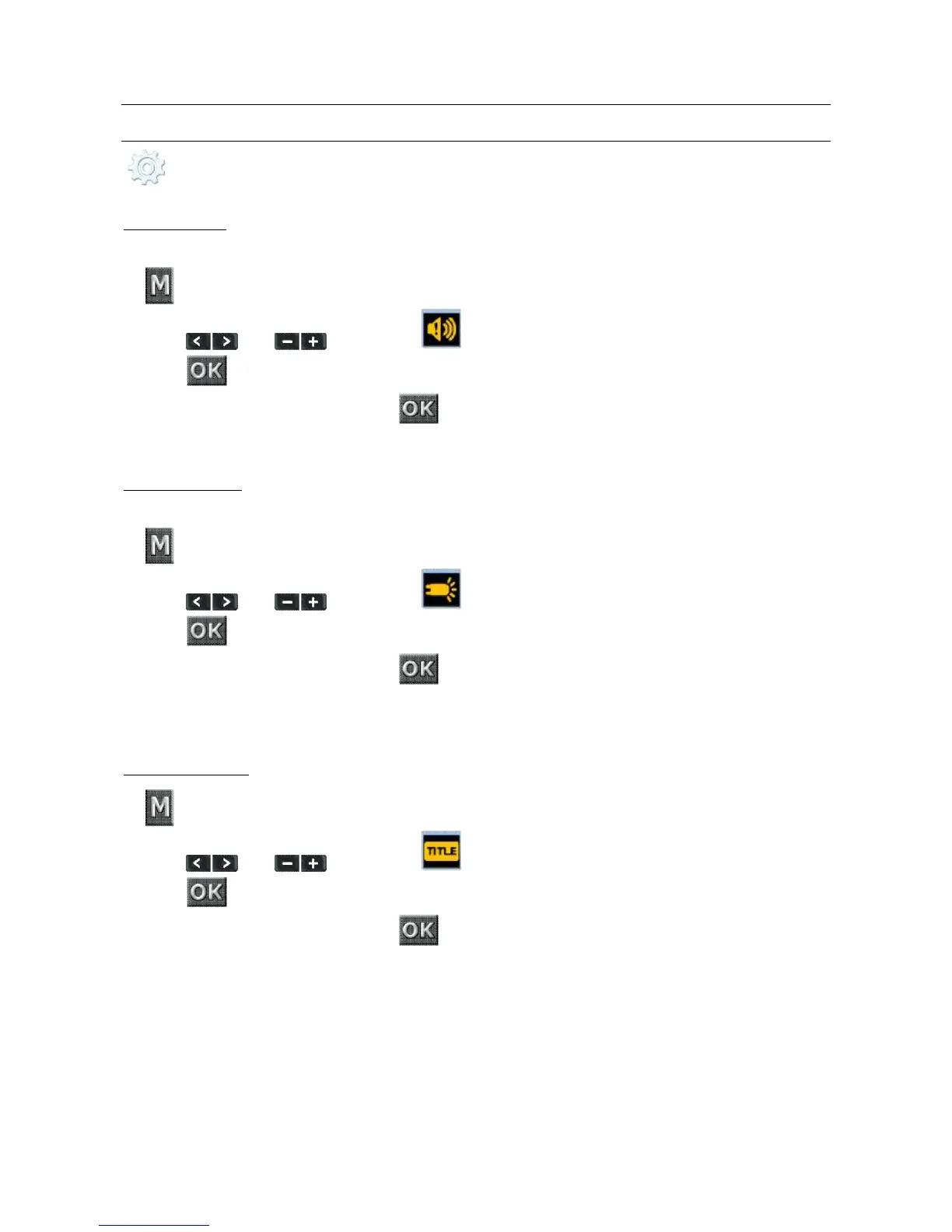
WARNING TONE
Set this function to enable the tick tone
1. key
2. Press and to reach the item
3. Press key to confirm
4. Choose the desired item and press key to confirm
The choices available are: Off, 50%, 100%.
STATUS INDICATOR
It allows you to turn off the frontal status led
1. key
2. Press and to reach the item
3. Press key to confirm
4. Choose the desired item and press key to confirm
The choices available are:
• On, 2 (only 1 frontal led and 1 top led on), Off.
ON SCREEN DISPLAY
1. key
2. Press and to reach the item
3. Press key to confirm
4. Choose the desired item and press key to confirm
The choices available are:
• On, Off.



 To Next Page