28
OUTPUT INTERFACES
EVO MM93 Photo camera has 1 audio video output interfaces:
• Hdmi
and one data files output:
• Usb
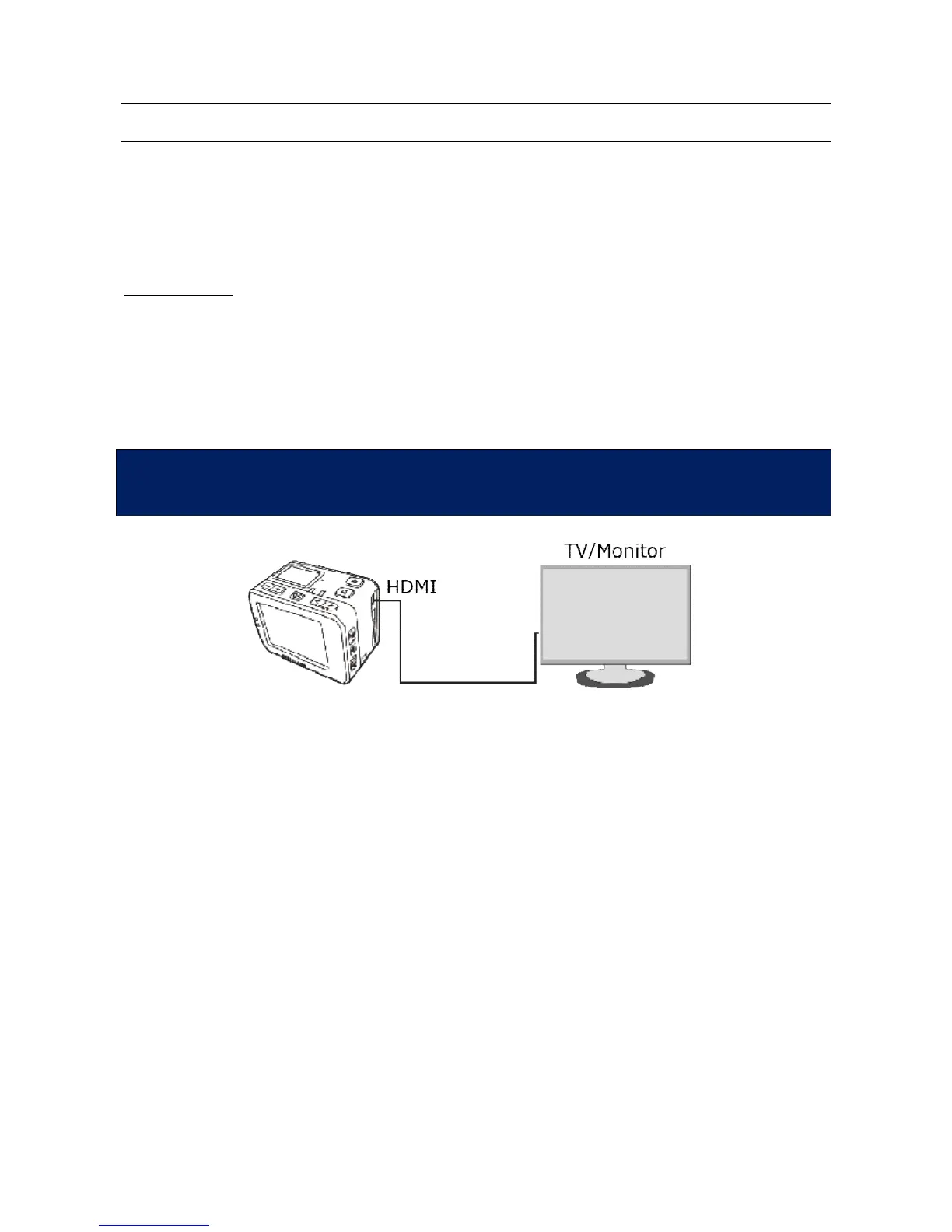
HDMI VIDEO OUT
You can connect the photo camera to a video input, through the Hdmi output, by using a specific
cable (not supplied).
In the meanwhile the video camera can work normally.
The display or the TV, connected to the video camera, works exactly like the TFT display of the
video camera.
In this way you can see photos or videos in playback mode, or adjust the setting parameters.
malfunctions. After rebooting, the EVO MM93 video camera returns to
normal conditions. This function is not available when the Wi-Fi device is on



 To Next Page