30
WI-FI CONNECTION
Thanks to the built-in Wi-Fi module, EVO MM93 can be connected to Apple or Android
Smartphones and Tablets and remotely controlled.
Just download the free NILOX F-60 EVO MM93 App to connect the device in Wi-Fi.
ANDROID OR IPHONE APP
Open the App-Store or Google-Play Store, search for the NILOX F-60 EVO MM93 App and
download it; the icon will be displayed
CONNECTING THE PHONE AND VIDEO CAMERA
• Switch the Wi-Fi selector on the front of the video
camera ON; the blue status led will start to flash
and the Wi-Fi signal icon is displayed at the top
left corner of the TFT screen.
• Wait until the blue led starts to flash slowly.
• At this point, look for new available Wi-Fi connections on your phone.
• Select F-60 EVO MM93, the default password is Nilox1234
• At this point, start the App you previously downloaded on your phone.
APPLICATION AND FUNCTIONS
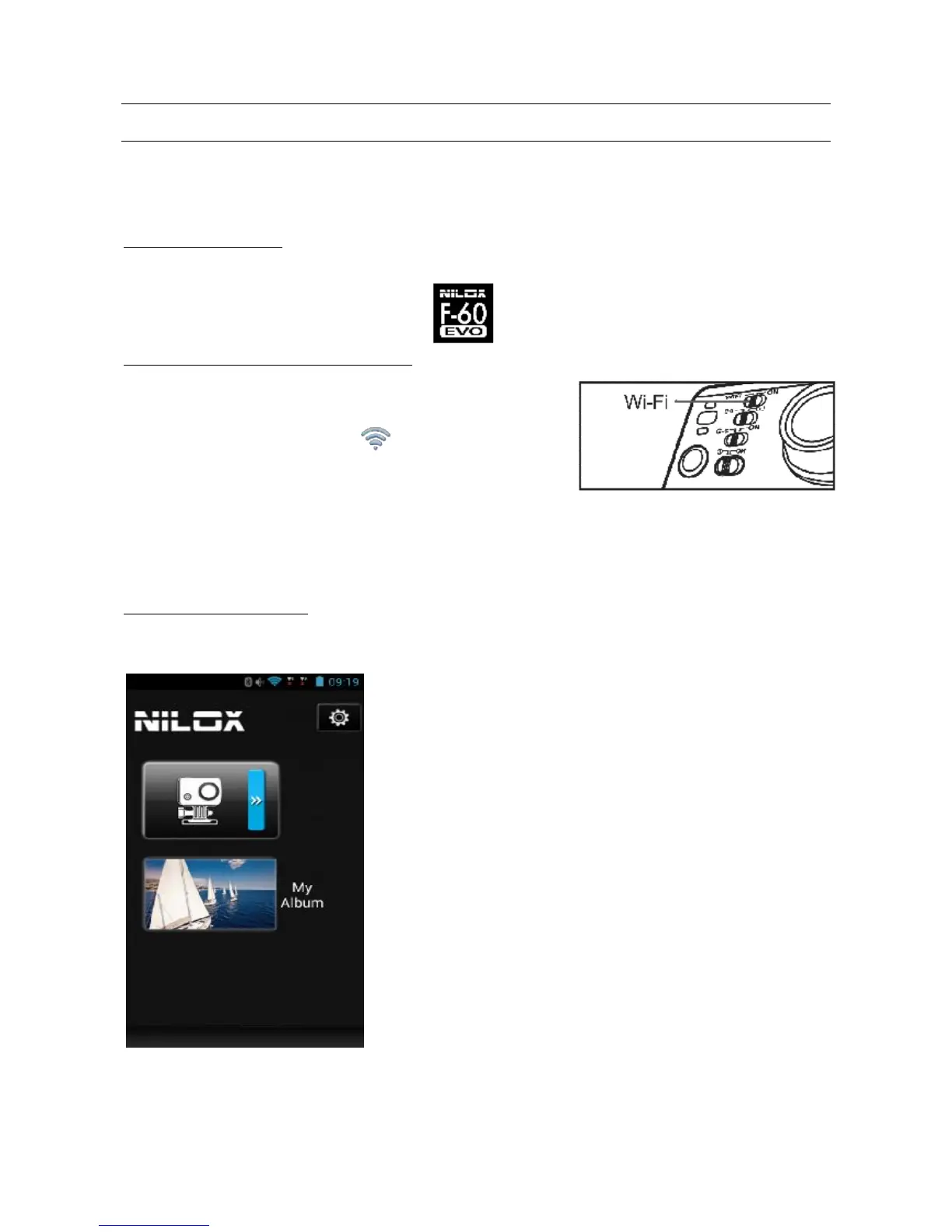
Once your EVO-MM93 and Smartphone are connected, start the application that will appear in
the following screen:



 To Next Page