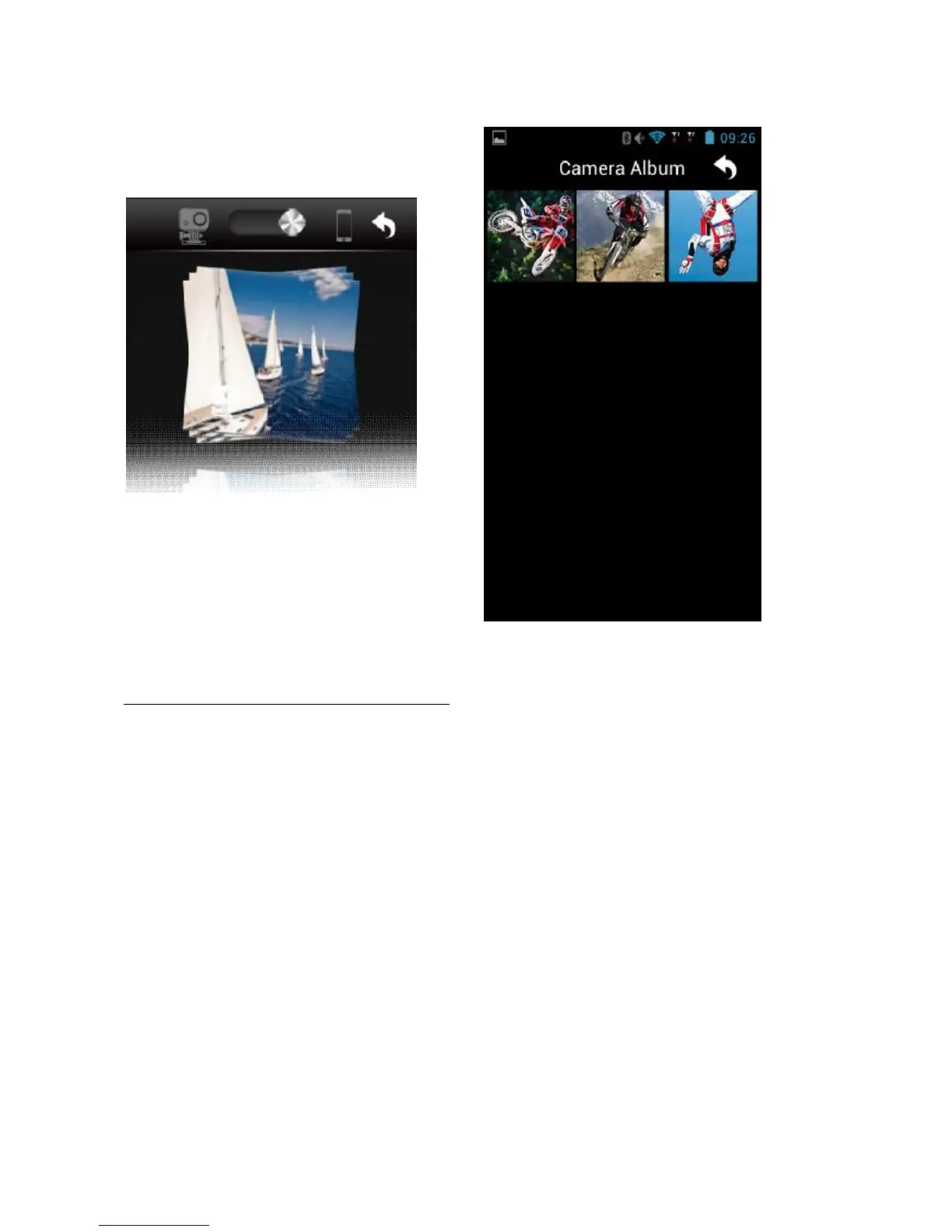
For best recorded photo and video viewing, we recommend using the player specific to the tablet
or smartphone used.
CHANGE WI-FI CONNECTION NAME AND PASSWORD
Change name and connection
• Connect the photo camera (with MicroSD card inserted) to the computer and turn on the
photo camera.
• Open "My computer" and find the virtual drive associated with the EVO MM93 video
camera.
• Open file "WiFi.conf“ in folder "MISC" and search for the string "AP_ SSID =
F-60 EVO
MM93
".
• Change the content after the”=” symbol.
• Save the file.
Change password
• Connect the photo camera (with MicroSD card inserted) to the computer and turn on the
photo camera.
• Open "My computer" and find the virtual drive associated with the EVO MM93 video
camera.
• Open file "WiFi.conf“ in folder "MISC" and search for the string "AP_ PASSWD =
Nilox1234’’.
• Change the content after the”=” symbol.
• Save the file.



 To Next Page