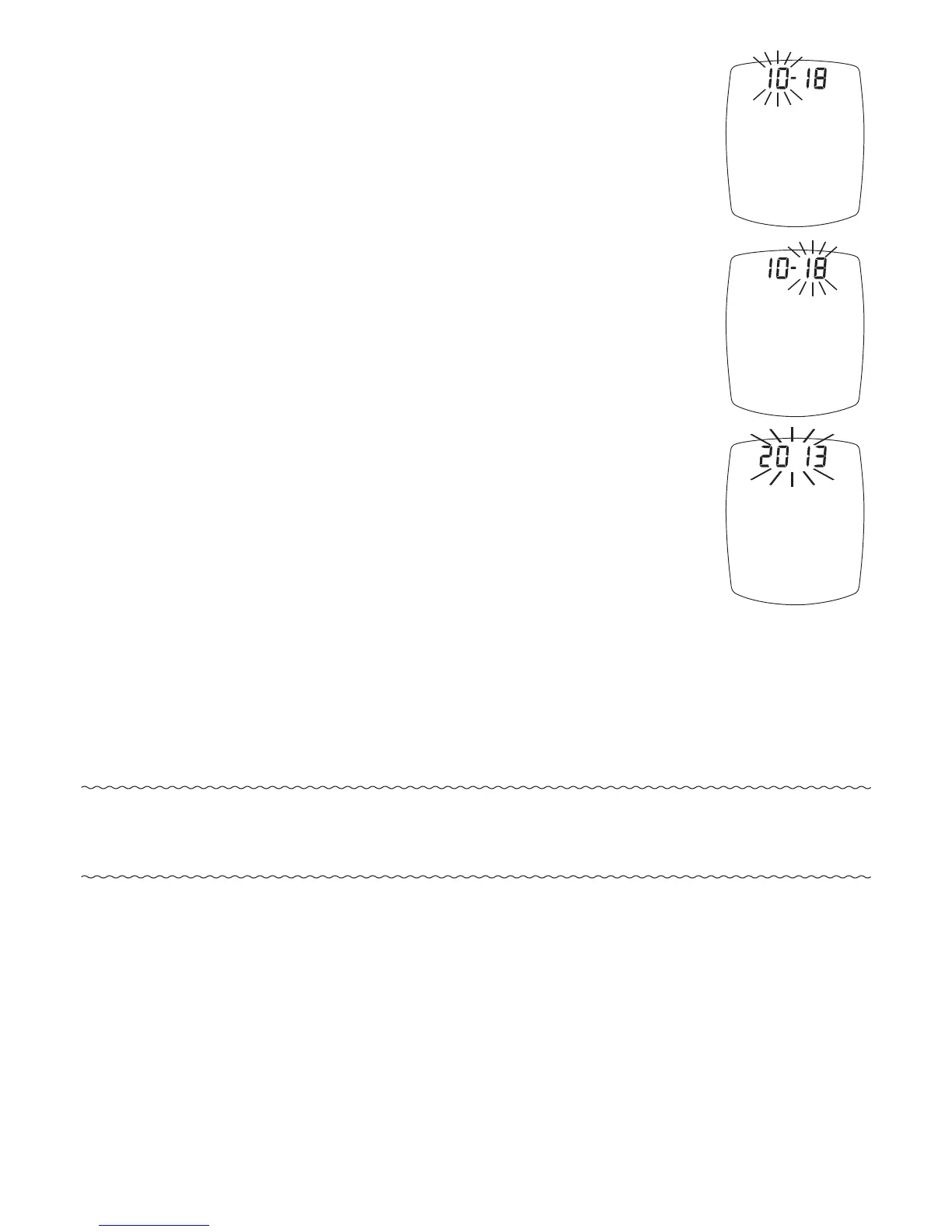
4. e month (number) flashes.
To change, press “ ▶ ” or “ ◀ ”
Button to select the month.
Press “ • ” Button to set.
5. e day (number) flashes.
To change, press “ ▶ ” or “ ◀ ”
Button to select the day.
Press “ • ” Button to set.
6. e year flashes.
To change, press “ ▶ ” or “ ◀ ”
Button to select the year.
Press “ • ” Button to set.
Note: Meter beeps every time a setting is
confirmed (“ • ” Button is pressed).
32
TMX_OB_GutsENG_RE4NPD03r6.indd 32 7/15/15 3:37 PM



 To Next Page