20
Function Key display mode
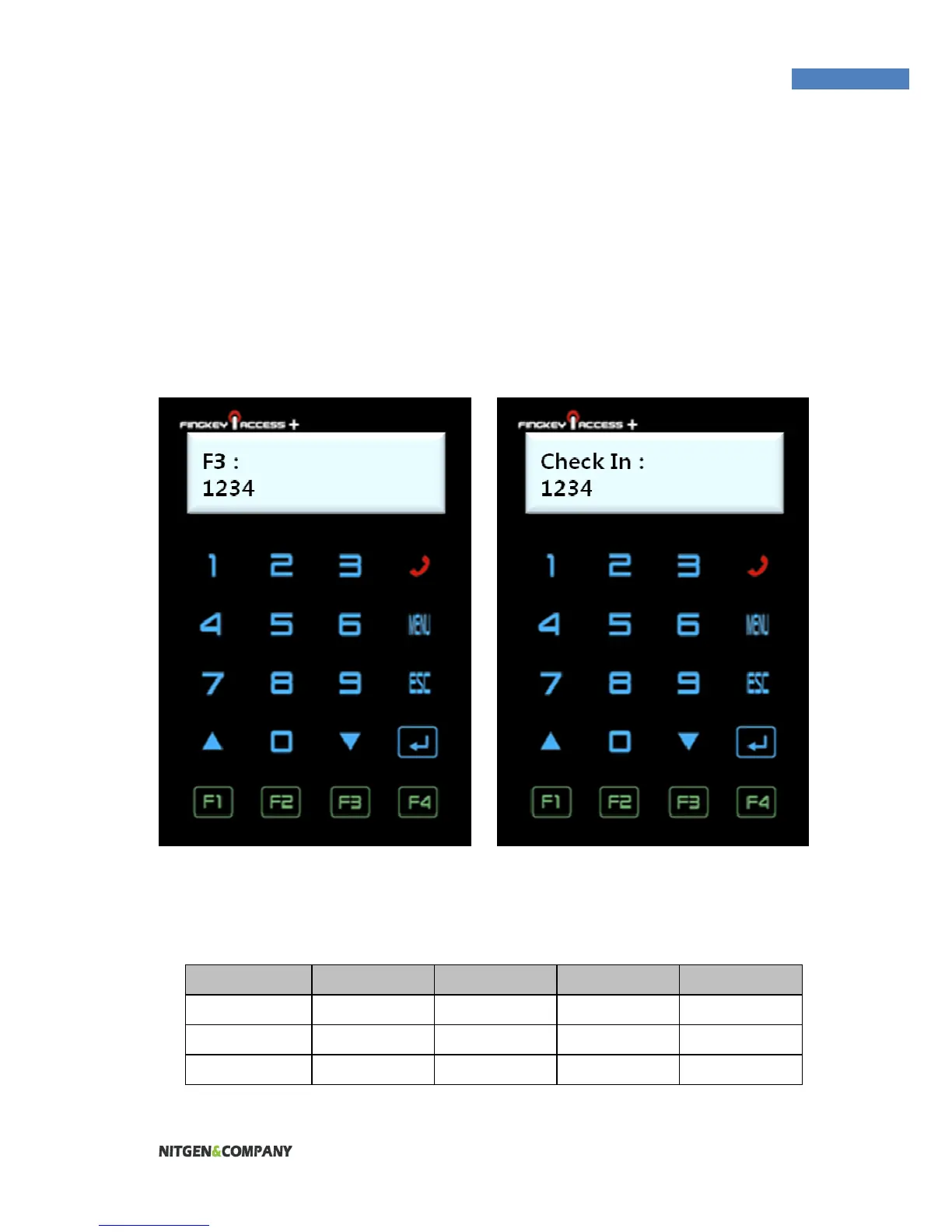
Based on this setting, the display for Function key will be showed
differently. For example,
SETTING = OFF SETTING = Mode2
The following table shows the message depending on the option of
function key displayed:
Option F1 KEY F2 KEY F3 KEY F4 KEY
Off F1 F2 F3 F4
Mode1 Clock In Clock Out Absence Return
Mode2 Check In Check Out F3 F4


 To Next Page