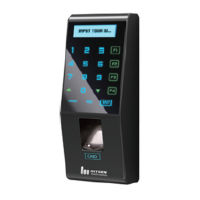
30
Door Opening
A user registered at the terminal can open the door in two ways
depending on whether 1:N authentication is used.
1:1 Authentication
The user enters his ID and scans his fingerprint, and the scanned
fingerprint is compared 1:1 to the registered fingerprint that matches
the ID. This method allows for quick authentication.
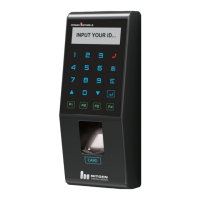
In 1:1 authentication mode, the user selects “Authentication” on the
lower left, and enters his ID. Then, the user continues the
authentication process using the registered means – fingerprint, card,
or password.
1:N Authentication
In 1:N authentication, the user does not need to input his ID. Instead,
the scanned fingerprint is authenticated by searching all fingerprints
in the DB. The process is simpler than 1:1 authentication, however if
a large number of users exist this may take more time.
① Fingerprint Authentication
The user is authenticated by scanning his fingerprint without entering
his ID.


 To Next Page