23
Time Zone
The “Time Zone” menu is used to restrict or allow entry during certain
time periods. Activate this by enabling or disabling this function.
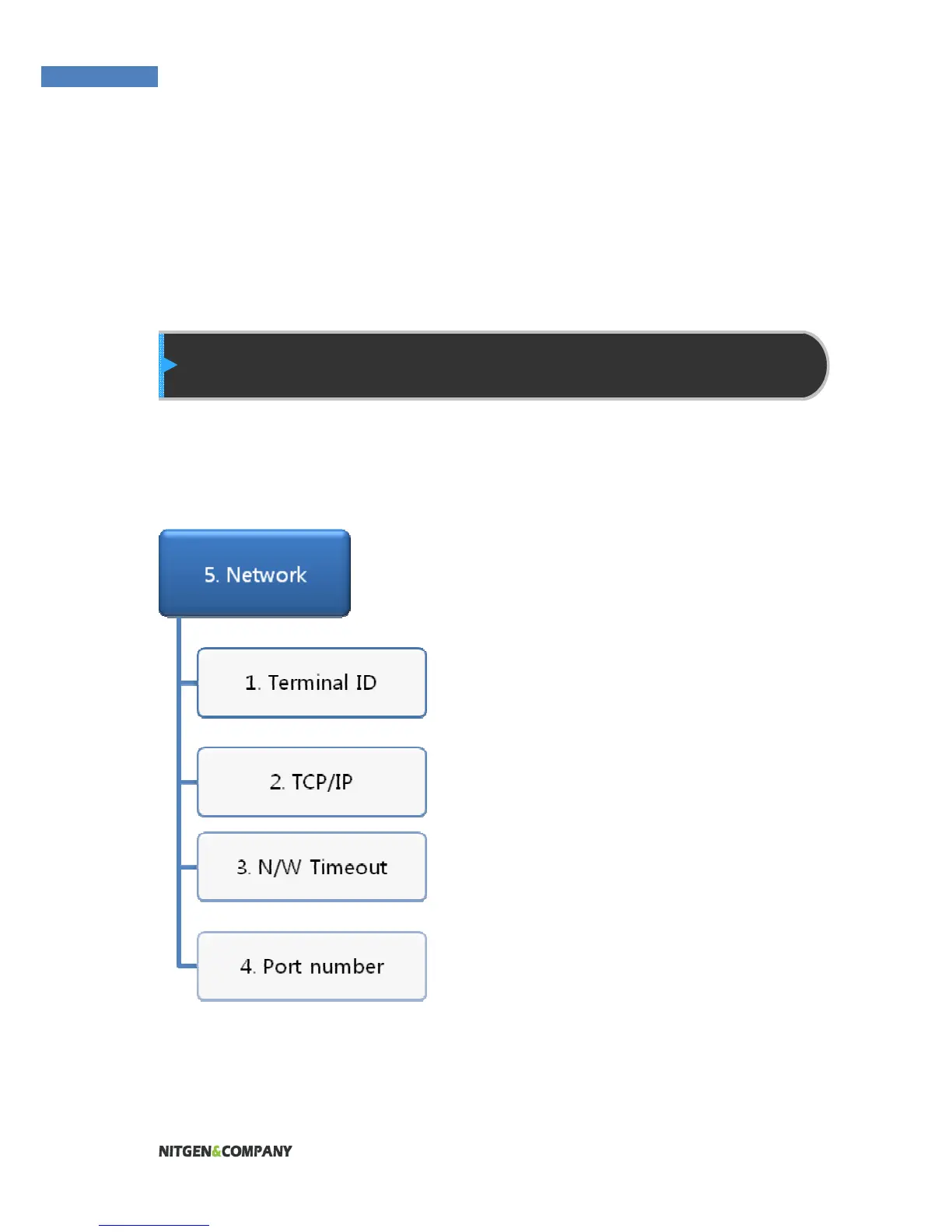
Network Setting
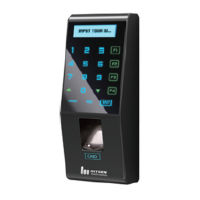
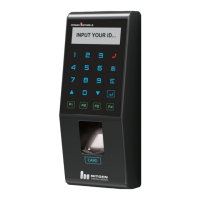
The FingkeyAccess
TM
terminal can function either in Network or
Stand-alone mode. Wireline networks are supported in the Network
mode. If the DHCP option is deactivated, the terminal IP, subnet
mask, and gateway must be
inputted manually. For more
information, contact the service
team.
Terminal ID
Enter a unique terminal ID between
1 and 2000. The same terminal ID
cannot be used in the same server.
TCP/IP Setting
After selecting network mode,
TCP/IP must be configured to
connect to the server.
Press “on” in the “DHCP” menu to
use DHCP. When using DHCP, enter the server IP and port
information of the server with AccessManager Professional installed.


 To Next Page