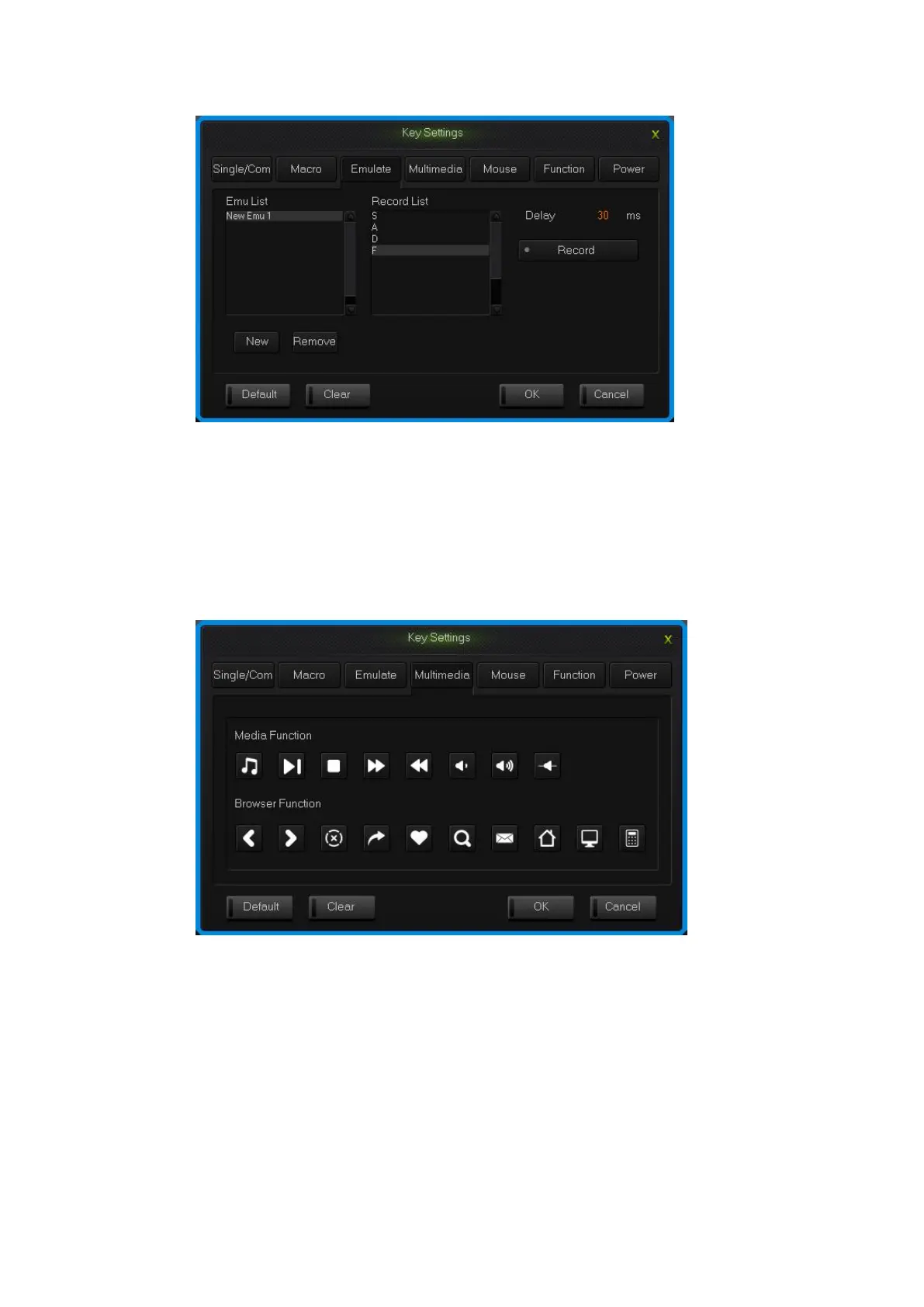
simulate key stroke interface
2.4 Multi-Media
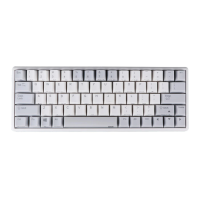
The keyboard support usual function for multi-media, custom multi-media
simplify the layout of keyboard.
1.Single click the key you need to configure, single click “Multimedia”;
2.Choose custom multi-media in the multi-media interface, then click “OK”.
Multi-media interface
2.5 Mouse
The keyboard support Mouse.Unit Time refers to the time required by a mouse
cursor move to a cell;Unit Pixel refers to the number of pixels the move a cell in
the mouse cursor;First Delay refers to the interval between the mouse cursor
moving the first cell to the second cell.
1.Single click the key you need to configure, click “Mouse” in the dialog
box of “Key Settings” that pops out;


 To Next Page