1. Use a compatible USB data cable to connect your device to a compatible USB
device.
Depending on the type of the device that is used for charging, it may take a
while for charging to start.
2. If the device is switched on, select the appropriate USB mode.
The phone shall only be connected to products that bear the USB-IF logo or have
completed the USB-IF compliance program.
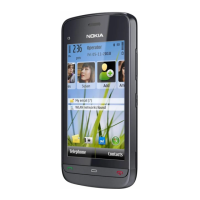
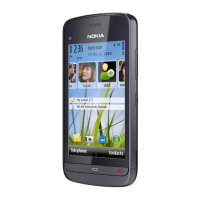
Keys and parts
1 — Wrist strap hole
2 — Nokia AV connector (3.5 mm)
3 — USB connector
4 — Volume/Zoom key
5 — Lock switch
6 — Proximity sensor
7 — Touch screen
8 — Call key
9 — Menu key
10 — Power/End key
Get started
© 2010 Nokia. All rights reserved.16


 To Next Page
 Loading...