GATEWAY QUICK START GUIDE
May 2019 Information subject to change without notice. 9
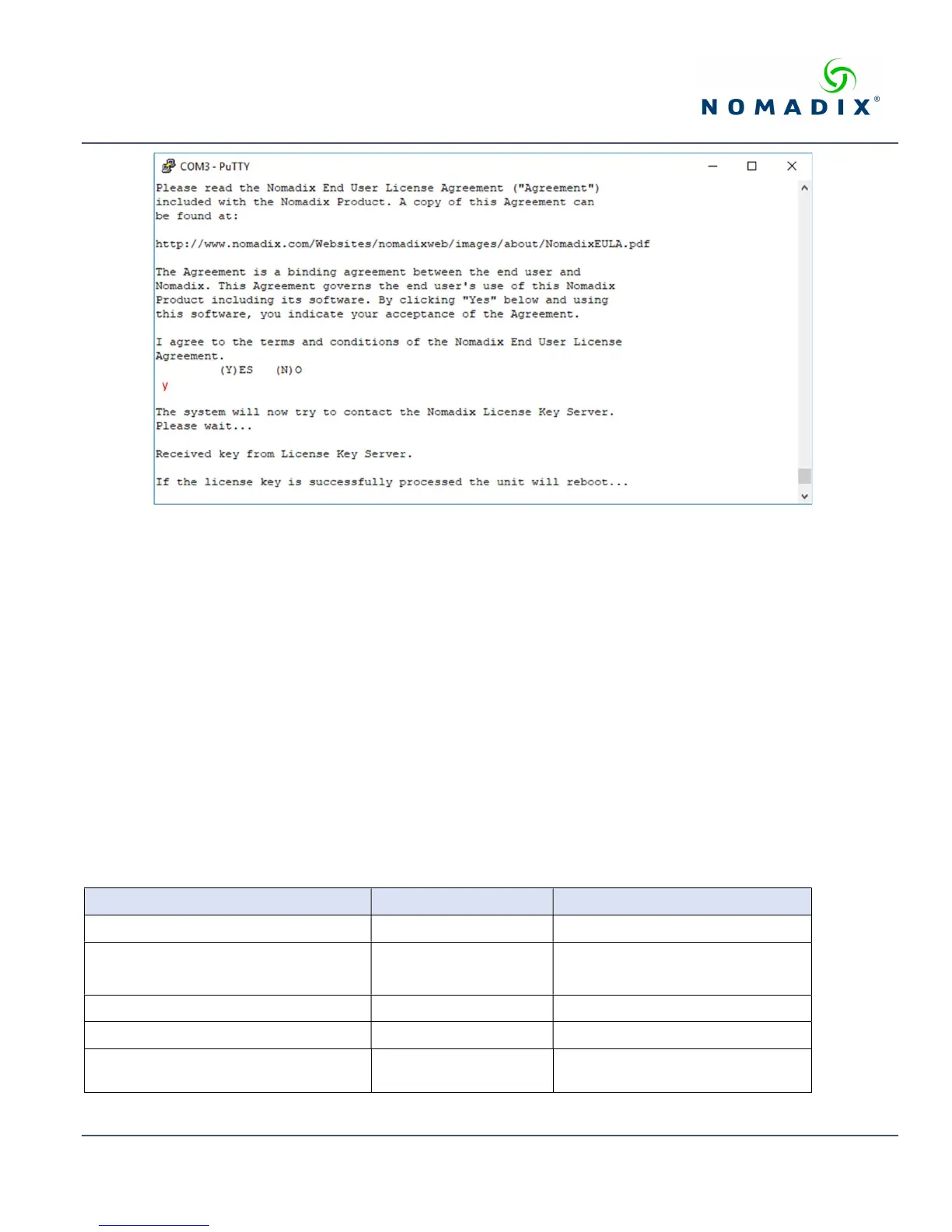
Figure 9: License key retrieval.
NOTE: The date and time the gateway receives a valid license from our server for the first time is considered the Software License
Subscription start date.
Step 4: Configuring the System
Log in to the AG and use the graphical Web Management Interface (WMI) to configure the product’s features. You have now
established a basic configuration for the AG that enables internet connectivity.
For additional information about the available AG features, refer to Chapter 2 of the User Guide specific to your AG. For
example:
To establish various billing and authentication methods, see Defining the AAA Services.
To establish hotel billing, see Assigning a PMS Service.
Step 5: Configuring AG DHCP Server Settings
DHCP Server is enabled by default. To configure the DHCP Server, go to DHCP under the Configuration menu. You can either
modify the default DHCP pool or delete/add another DHCP pool. The total lease pool size recommendation is 75% more than the
number of licensed subscribers. Table 3 shows the factory default DHCP server settings.
DHCP Parameters Your Settings Default Values
DHCP Services (Disable) no
DHCP Relay (Yes / No)
If No, skip to DHCP Server
no
DHCP Relay Server IP Address blank
DHCP Relay Agent IP Address blank
DHCP Server (Yes / No)
Only if the DHCP Relay is disabled
yes



 To Next Page