Customer Confidence 3
4. Connect the AC mains power cord.
5. The Gateway is now ready for initialization.
Initializing the Gateway
ETH1 Ethernet Port Connection
Configure the laptop’s network setting to use the following Administration IP address settings
[Table 1].
Table 1: Administrative IP address
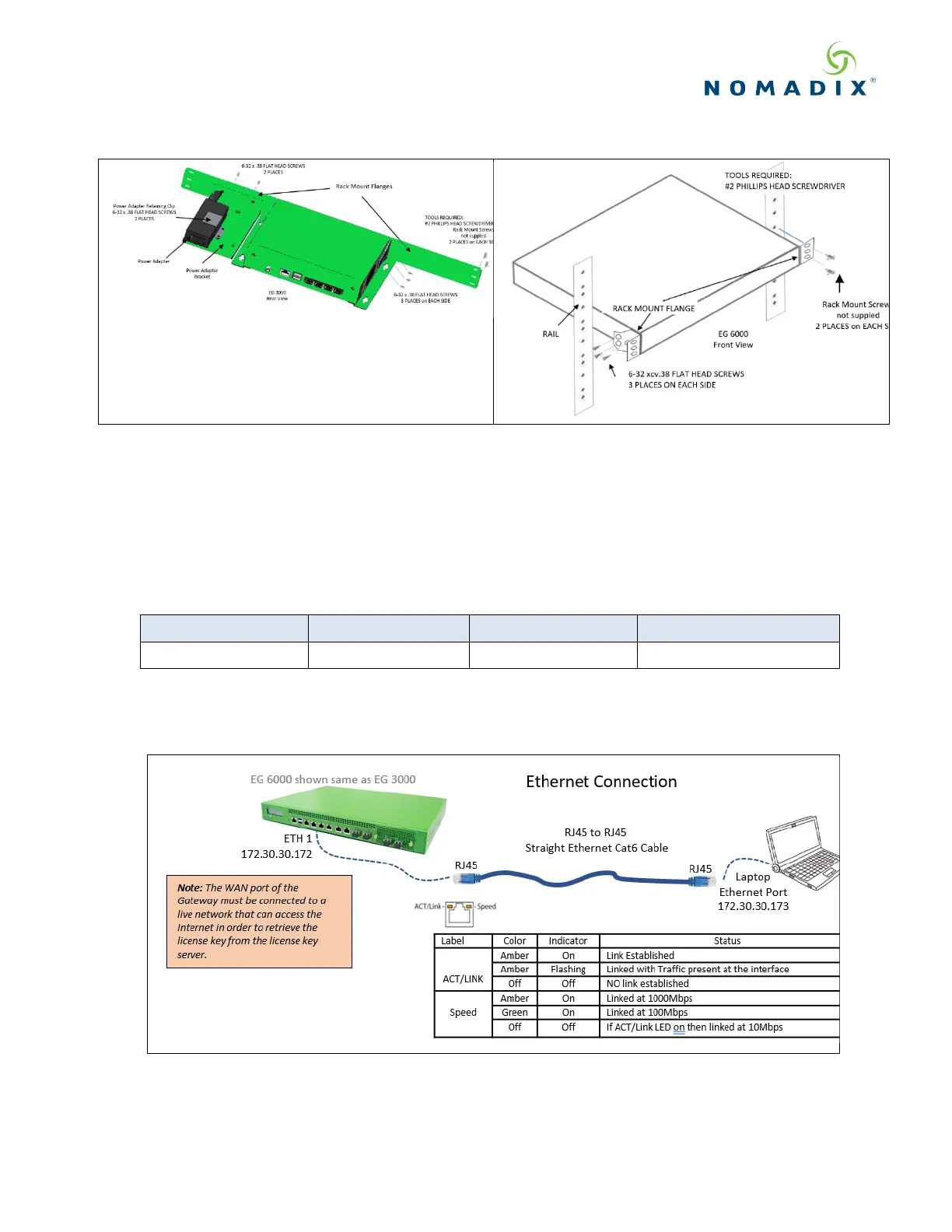
Attach the laptop to the Nomadix ETH1 or LAN port using an Ethernet cable and check the
status as shown below.
Figure 1: Ethernet Connection



 To Next Page