Customer Confidence 7
Step 1c: PPPoE Dynamic IP Client Configuration
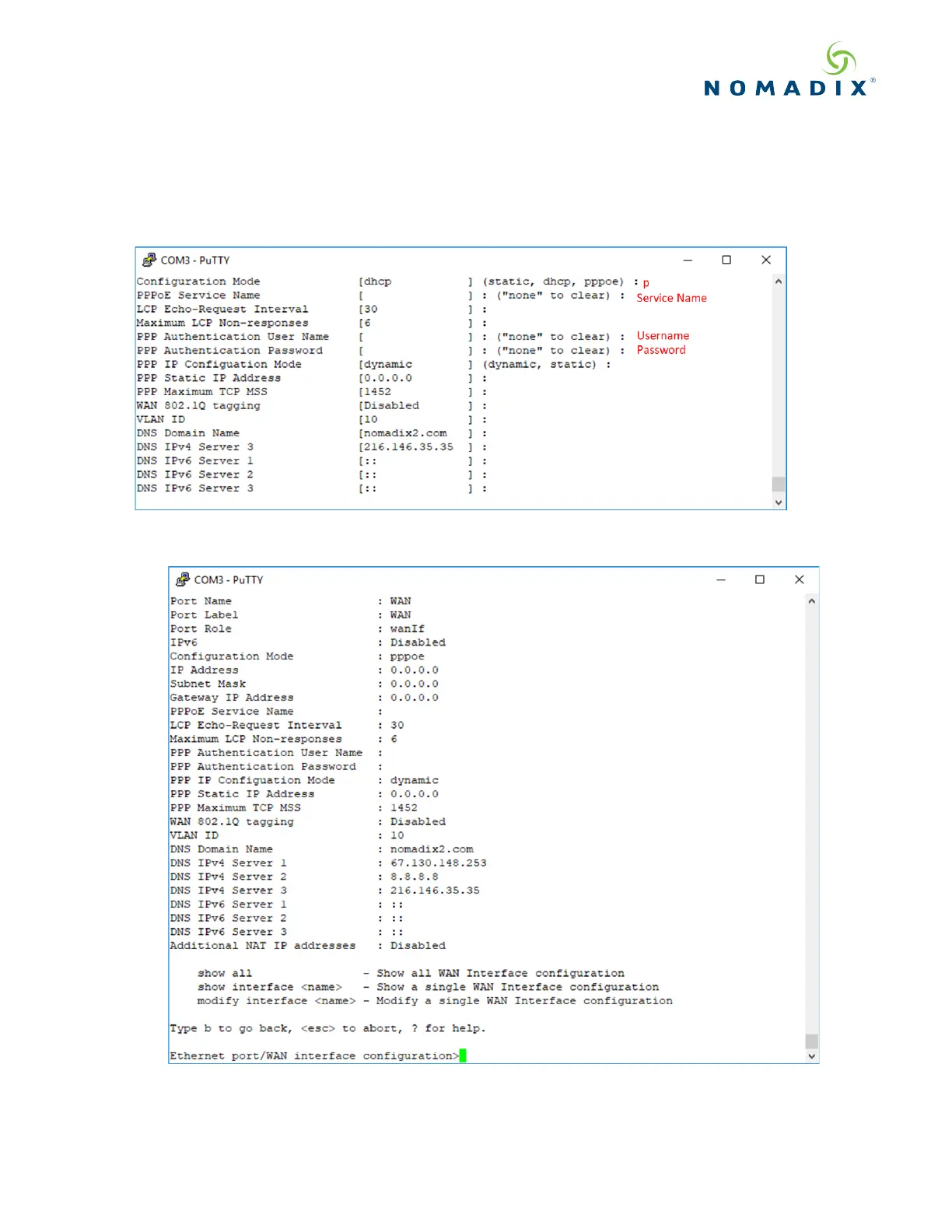
Enter p[ppoe] when prompted. Enter the following mandatory settings for a PPPoE connection with dynamic PPP
IP configuration shown in Figure 8.
Figure 8: Selecting PPPoE with dynamic IP configuration
A WAN port summary page will then be displayed as shown in Figure 9.
Figure 9: WAN port PPPoE client configuration summary page



 To Next Page