28
* Select the Sprayer Type *
Step 4
↓
↓↓
↓
↓
↓↓
↓
⇒
↓
↓↓
↓
Select
SelectSelect
Select
⇒
↓
↓↓
↓
Type
TypeType
Type↓
↓↓
↓+/
+/+/
+/-
--
-
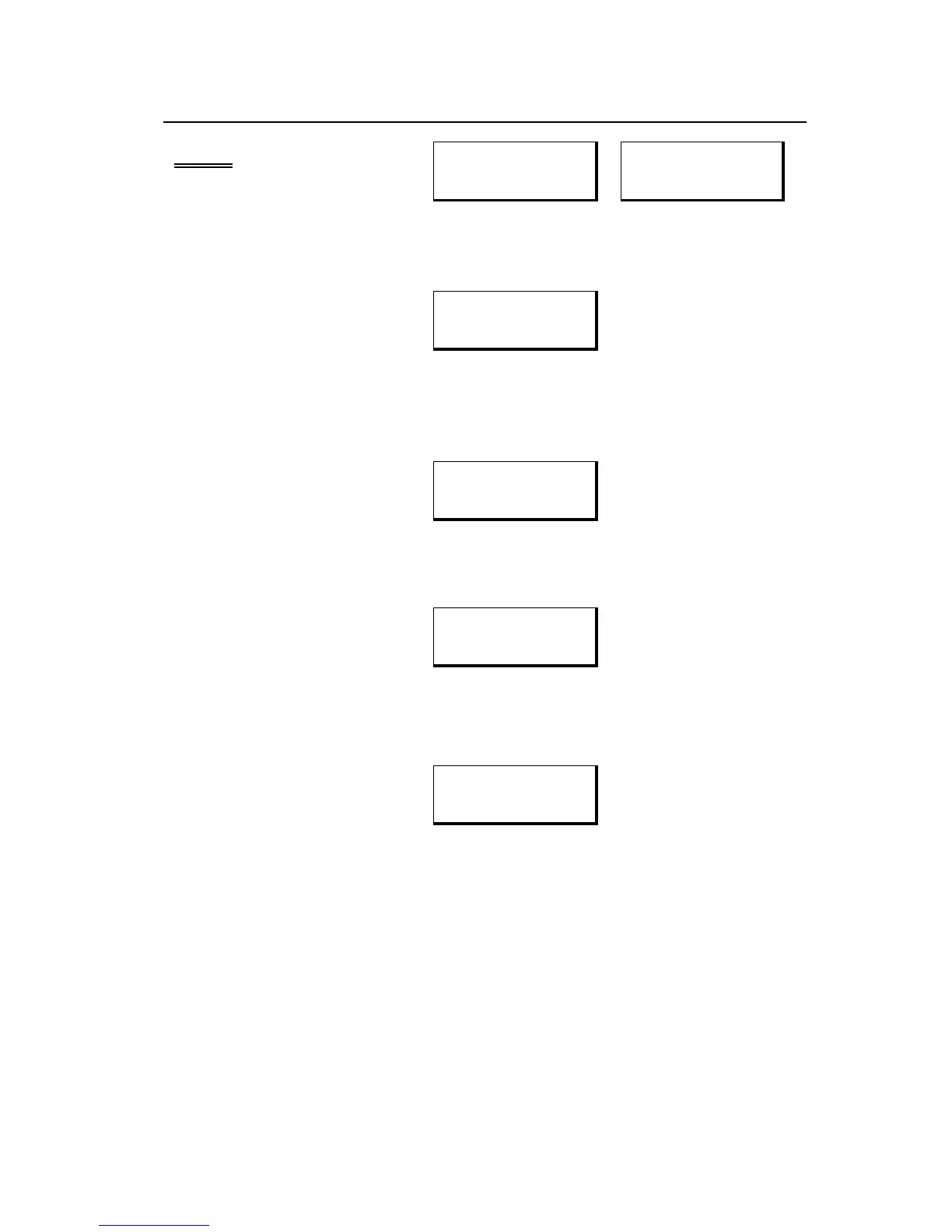
• Use the +/- switch to toggle through a list of available sprayer types.
Types are listed on page 36.
↓
↓↓
↓
AN2 ?
AN2 ?AN2 ?
AN2 ?
• When the desired type is shown, confirm the selection with
the YES switch (AUTO). Press NO (MANUAL) to exit.
↓
↓↓
↓
Dfalting
DfaltingDfalting
Dfalting
• Control panel is loading all the settings for your sprayer.
↓
↓↓
↓
Scanning
ScanningScanning
Scanning
• Control panel is reading serial numbers of all connected sensors.
↓
↓↓
↓
3 Sensrs
3 Sensrs3 Sensrs
3 Sensrs
• Number of sensors found is displayed. Do not continue if the
number of sensors is incorrect.
The number of sensors reported here should match the actual number
of sensors on your system. If it does not, ensure that all sensors are
plugged in and operating. Turn the control panel off, then back on to
restart the procedure.
If other messages appear during this step, see page 37 for more information



 To Next Page