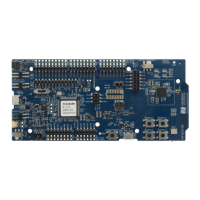
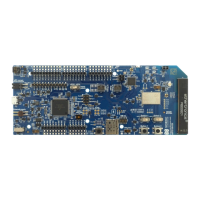
Interface MCU
Note: When in bootloader mode, do not drag and drop any files except those downloaded from
www.nordicsemi.com for use with the interface MCU. If a wrong file is used, it can overwrite the
bootloader and ruin the interface MCU firmware without the possibility of recovery.
3.4 MSD
The interface MCU features an MSD. This makes the DK appear as an external drive on your computer.
This drive can be used for drag-and-drop programming. However, files cannot be stored on this drive. By
copying a HEX file to the drive, the interface MCU programs the file to the device.
Note:
• Windows might try to defragment the MSD part of the interface MCU. If this happens, the
interface MCU disconnects and becomes unresponsive. To return to normal operation, the DK
must be power cycled.
• Your antivirus software might try to scan the MSD part of the interface MCU. Some antivirus
programs trigger a false positive alert in one of the files and quarantine the unit. If this happens,
the interface MCU becomes unresponsive.
• If the computer is set up to boot from USB, it can try to boot from the DK if the DK is connected
during boot. This can be avoided by unplugging the DK before a computer restart, or changing
the boot sequence of the computer.
You can also disable the MSD of the DK by using the msddisable command in J-Link Commander. To
enable, use the msdenable command. These commands take effect after a power cycle of the DK and
stay this way until changed again.
4397_500
8


 To Next Page