16
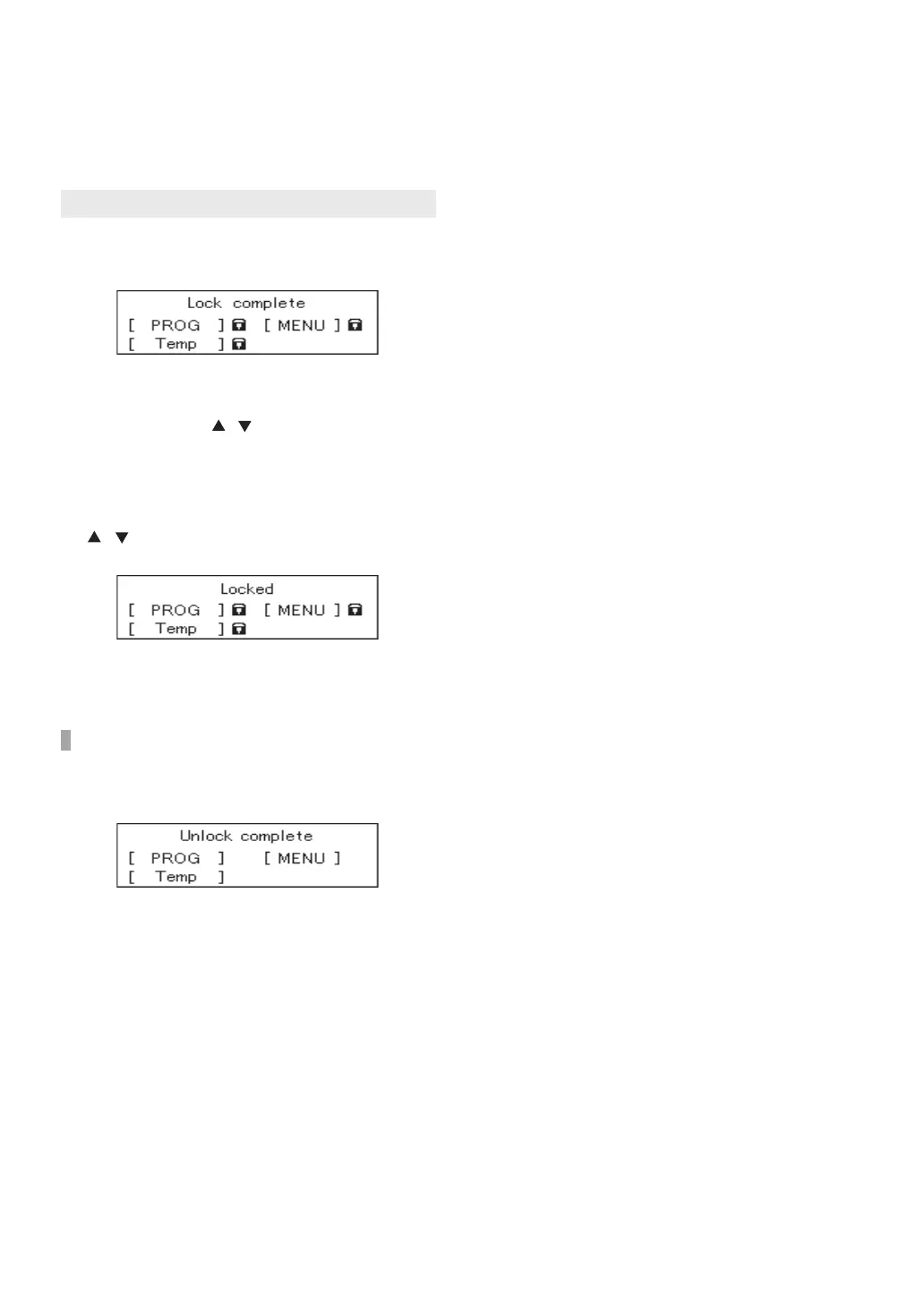
By locking the Remote Controller, the settings
cannot be changed if a button is pressed by mistake.
2. If you press PROG button, MENU button, and
/ buttons while the Remote Controller is
locked, the “Locked” screen will appear.
1. Press and hold Lock button for approximately 2
seconds to lock the Remote Controller.
Press and hold Lock button for approximately 2
seconds to unlock the Remote Controller.
Operation
• This adjustment can be made whether the
Power button is ON/OFF.
• The operations of PROG button, MENU
button, and / buttons are locked.
• Approximately 3 seconds after locking the
Remote Controller, the display will return to
the previous screen.
• Approximately 3 seconds after the “locked”
screen appears, the display will return to the
previous screen.
• Approximately 3 seconds after unlocking the
Remote Controller, the display will return to
the previous screen.
Locking the Remote Controller
Unlock the Remote Controller
Locking the Remote Controller


 To Next Page