23 | Start Up
RH User Interface
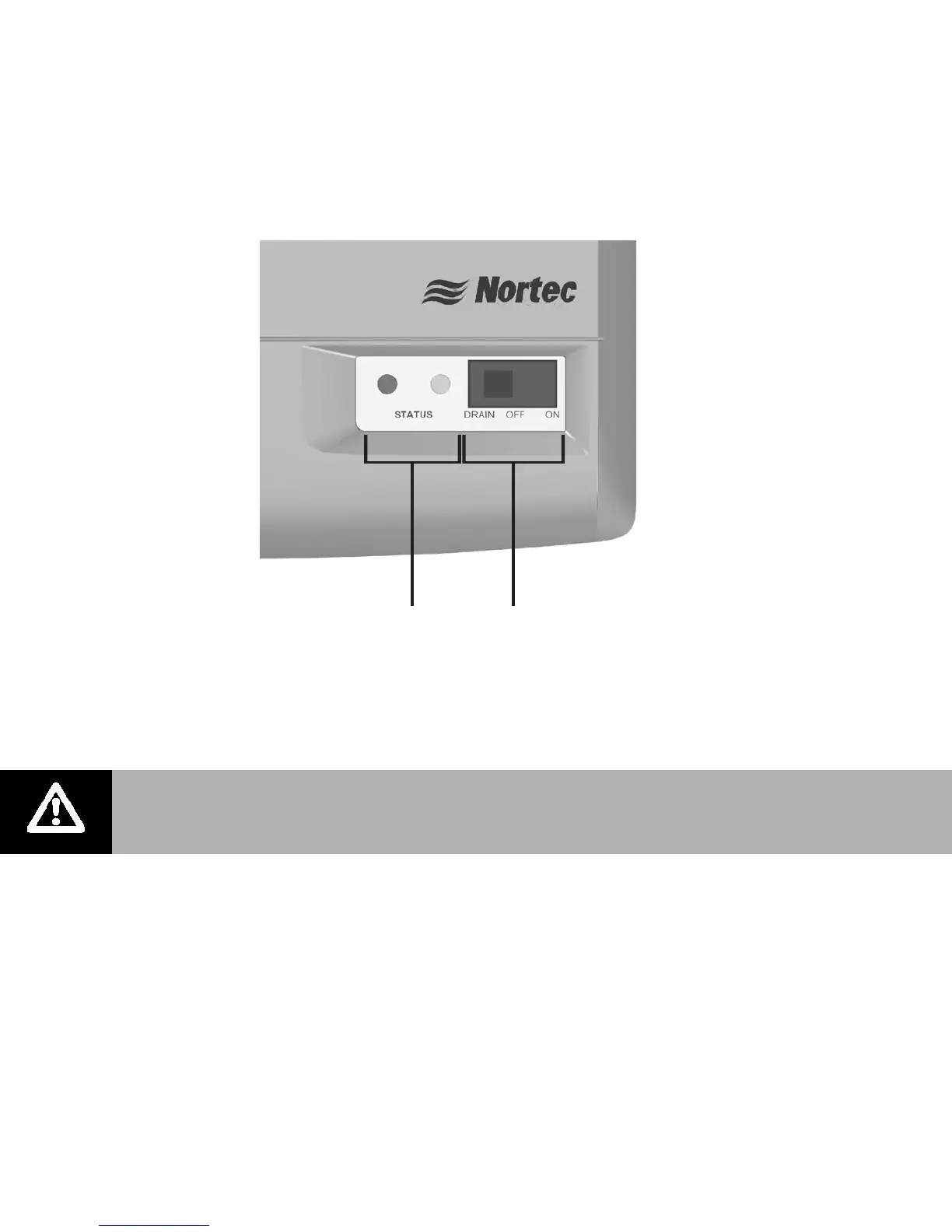
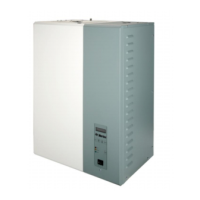
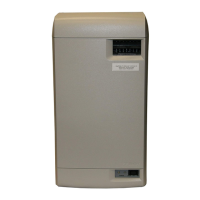
The RH has a simple to use user interface that includes two status LEDs that provide
information on current humidifier status. The On/Off/Drain switch can be used to turn the
humidifier On/Off and drain it for servicing or replacing the cylinder. See Figure 26: LED Status
Lights on page 30 for information on the LEDs.
Figure 24: RH User Interface
On/Off or Modulating Operation
From the factory the RH is configured to operate as an On/Off humidifier. It will run when 24
VAC from terminal 1 is fed back into terminal 2 through an On/Off humidistat and other security
devices in series. See On/Off or Modulating Control (J10) on page 37 for instructions on
configuring the RH to operate as a modulating humidifier.
Caution: Do not leave the On/Off/Drain switch in the drain position for extended
periods of time. The drain valve solenoid may heat up and result in damage to the
valve and its wiring.
Status LEDs On/Off/Drain Switch
(Turns humidifier
On/Off and drains
the cylinder)


 To Next Page