24 Installing the chassis
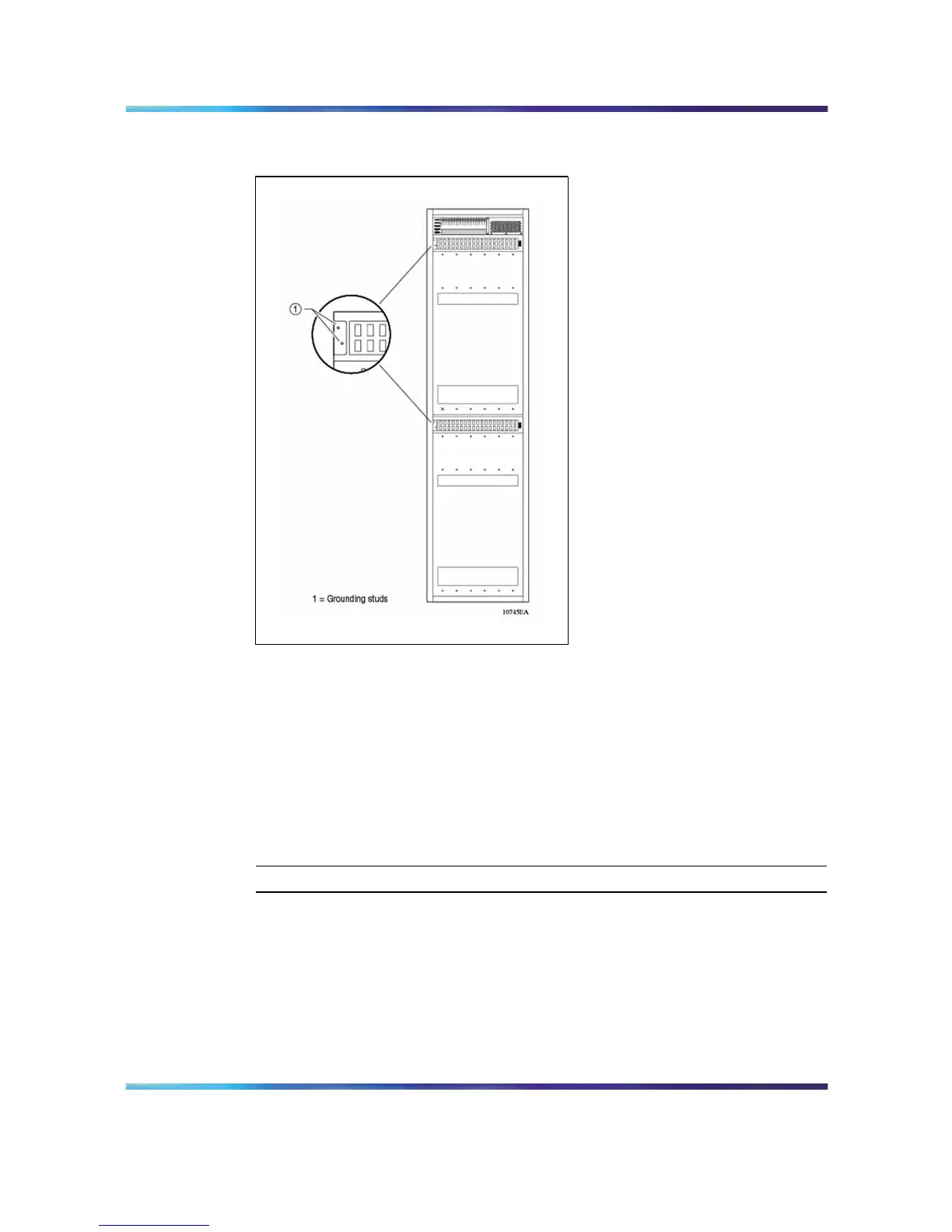
Figure 10
Location of ground studs on 8010co chassis rear panel
To attach a ground to one of the chassis grounding studs, you need the
following:
•
one single-hole cable lug that fits over one of the grounding studs
•
a nut and a locking washer for the grounding stud
•
6-AWG grounding wire long enough to connect to the ground point
•
7/16-inch hex wrench to fasten the hardware in the correct order
To connect the chassis ground cables to the rack grounding strip:
Step Action
1
Locate the shelf grounding point on the rack. This grounding point
can be a grounding strip at the back, base, top, or side of the rack.
Note: Your rack grounding strip can look different than the one
shown in the example.
2
Attach the lug ends of the chassis ground cables to the rack
grounding strip (Figure 11 "Rack grounding strip" (page 25)).
Nortel Ethernet Routing Switch 8600
Quick Start
NN46205-310 01.01 Standard
4.1 21 December 2006
Copyright © 2006 , Nortel Networks Nortel Networks Confidential
.



 To Next Page