Installing a module 25
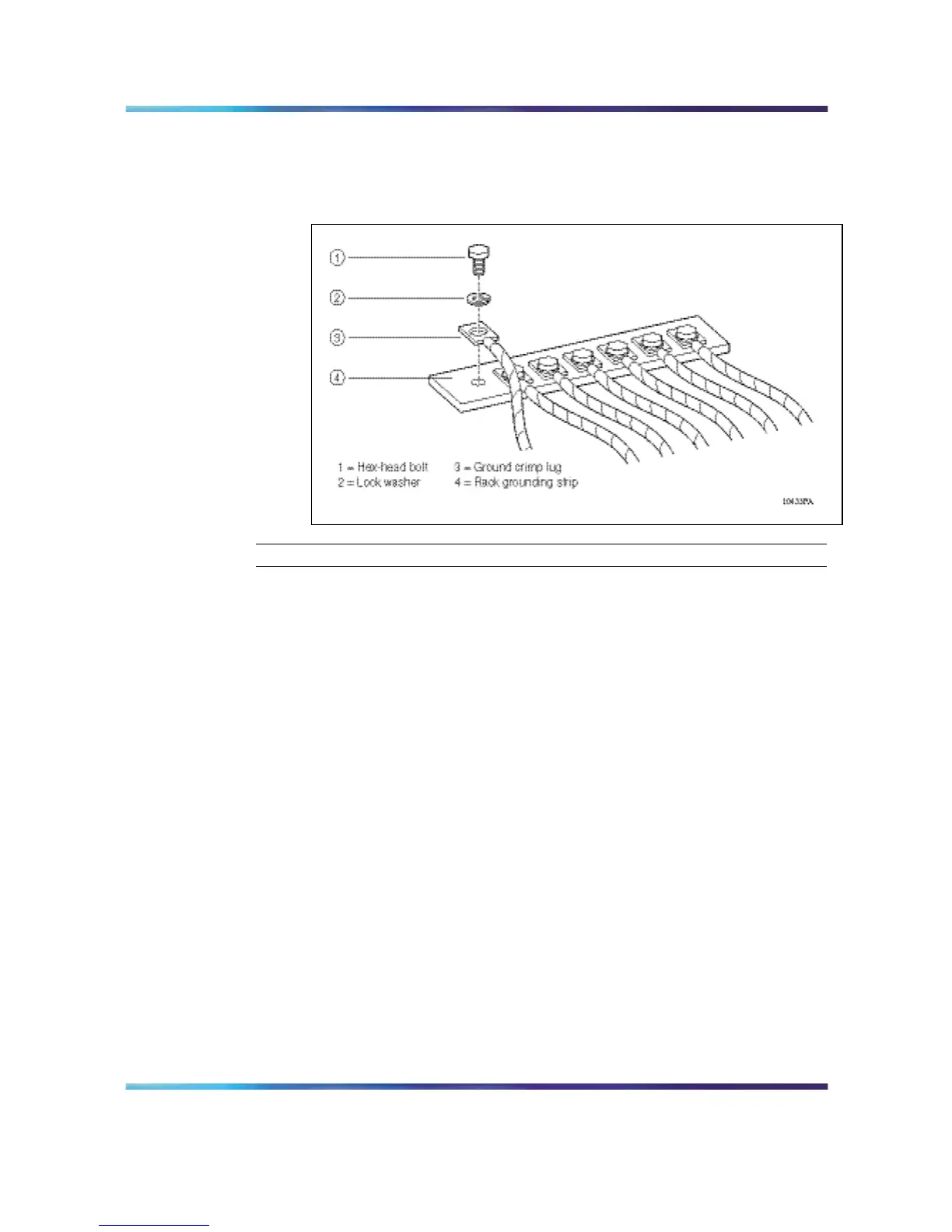
Use a 7/16-inch hex wrench to fasten the hardware in the correct
order.
Figure 11
Rack grounding strip
—End—
Installing a module
The 8010co chassis provides eight slots for installing Ethernet Routing
Switch 8600 modules and two slots for installing the 8691SF and 8692SF
switch fabr ic modules. Slots are numbered from left to right. Install Ethernet
Routing Switch 8600 interface modules in slots 1 through 4 and in slots 7
through 10. Slots 5 and 6 are reserved for Ethernet Routing Switch 8600
Series switch fabr ic modules. Figure 12 "Installing a module: 8010co
chassis" (page 26) shows the location of the modules in the 8010co chassis.
Nortel Ethernet Routing Switch 8600
Quick Start
NN46205-310 01.01 Standard
4.1 21 December 2006
Copyright © 2006 , Nortel Networks Nortel Networks Confidential
.



 To Next Page