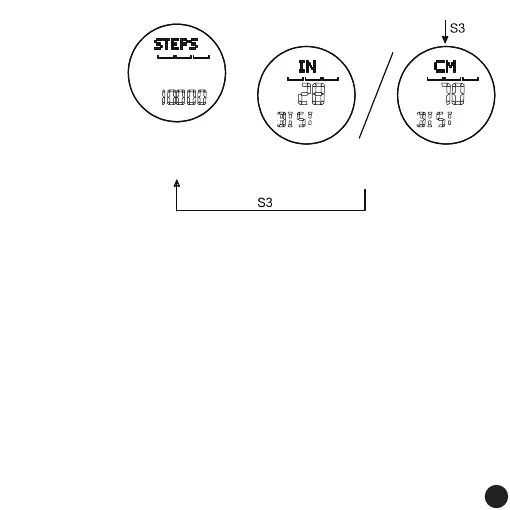
Step distance, digital flashing,
default value 70CM/28IN
Long press or short press,
S1 increments, S2 decrements
The number of target steps,
the number flashes,
The default value is 10000
Long press or short press,
S1 increases in value,
S2 decreases in value
Remark:
1. In the pedometer mode of the normal time display screen, it can be set to turn on or off the pedometer.
2. Press S3 each time to confirm and save the last operation.
3. The default unit is metric.
4. Height setting range: metric system is 90CM-250CM, imperial system is 35IN-99IN
5. Weight setting range: the metric system is 20KG-200KG, and the imperial system is 44LB-441LB.
6. Step distance setting range: 20CM-120CM, 8IN-47IN in imperial system.
7. Target step setting range: 1000-100000, set in units of 1000.
8. Adjustment range of exercise target time: 1~8 hours.
9. Without key operation, it will automatically return to the normal time display screen after 60 seconds.
Remarks:
Regarding setting the input step length,if you don’t
know your exact step length, please find a distance
between 10 meters and 100 meters to the target
point, turn on the pedometer function, and then
run to the target point and stop to read the number
of steps. The step size can be calculated.
For example:
when running to the target point and stopping
at 10 meters, the pedometer displays 14 steps,
which is calculated as (step length = 10 meters/
14 steps), and the "step length" in the setting
item should be input as 71cm. Of course, the
farther the test target point is, the more accurate
the test result will be.
08
08



 To Next Page