Northstar Explorer 657 Installation and Operation Manual14
2-7 The main windows
Note
1 The windows available depend
on the optional sensors and
instruments that are installed
(see section 1-1).
2 Set up commonly used windows
as favorites and press
to
switch between windows (see
section 2-7-2).
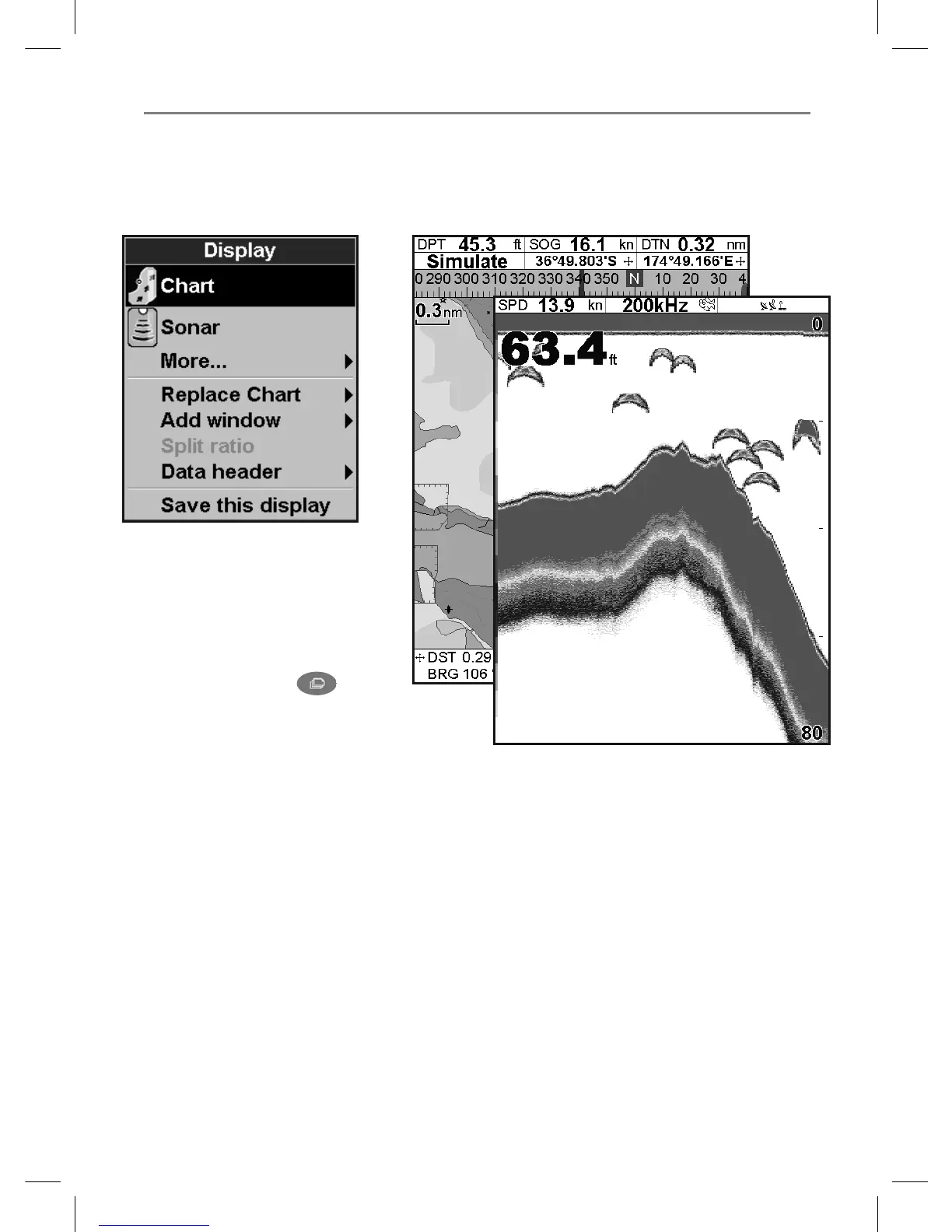
The display menu allows quick access to the main
windows. Full-screen Chart and Sonar are at the
top of the menu. Other windows are available
from the
More… sub menu.



 To Next Page