59Northstar Explorer 657 Installation and Operation Manual
17 Setting up the 657
The 657 has a number of advanced features
which are set up through the setup menu. We
recommend that you become familiar with the
operation of the unit using the default settings
before making any changes in these menus.
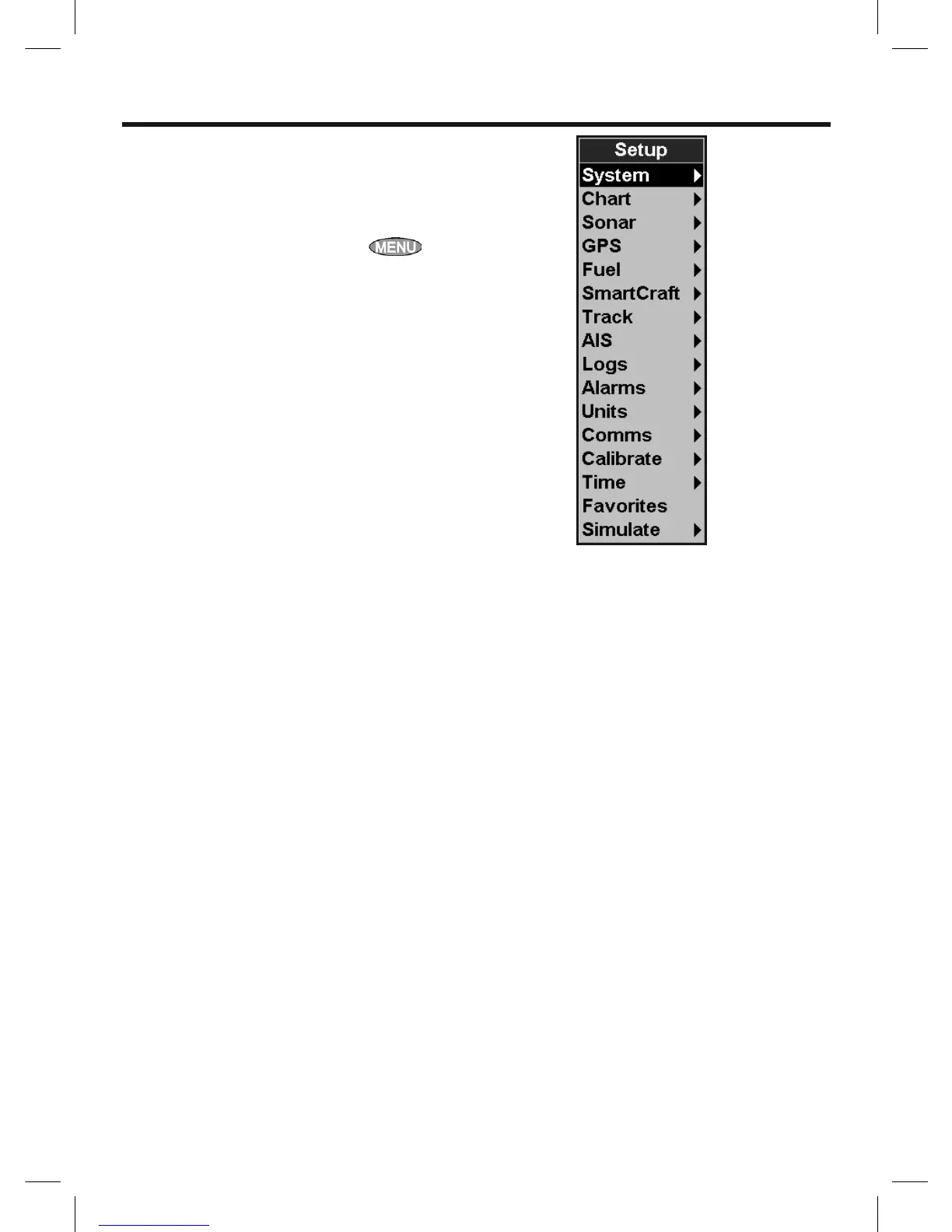
To go to a setup option menu, press
twice, then select an option.
Note:
1 The Setup menu options are explained in the
following sections.
2 Section 2-1 describes how to set or change
data in the setup menus.
3 The setup data available will depend on the
optional sensors and instruments installed.



 To Next Page