Northstar Explorer 657 Installation and Operation Manual18
2-7-3 Data header
The displays can show data at the top, called the
data header.
When you select a window from the display
menu (see section 2-7) the 657 displays an
appropriate data header for the window.
Each favorite display (see section 2-7-2) has
its own data header. When you press
to recall a favorite display, the 657 recalls the
favorite displays data header.
Setting the data header for a display
1 Press
and select Data header.
2 To turn the data header on or off:
i Select Data.
ii Select
or .
3 To select the size of the data:
i Select Size.
ii Select the size to display.
4 To change the data displayed:
i Select Data setup.
ii Change a data field:
a Press the cursor keys to highlight the
field.
b Press
to display a menu of
data items.
c Select a data item that is available
on your system or select None to
leave the field empty.
iii Repeat the above step to set the other
data fields.
Tip: If all fields in a line are None then the line
will not be displayed and the data header will
take less space on the display.
5 Press .
Tip: The data header will change when you
select another display. To set a data header that
you can recall later, set the header as part of a
favorites display (see below).
Favorites displays and data headers
To set a data header for a favorites display, follow
the steps to add a favorite (see section 2-7-2
- Adding a favorite display to the list). In step 1,
set the data header for the favorite as described
above.
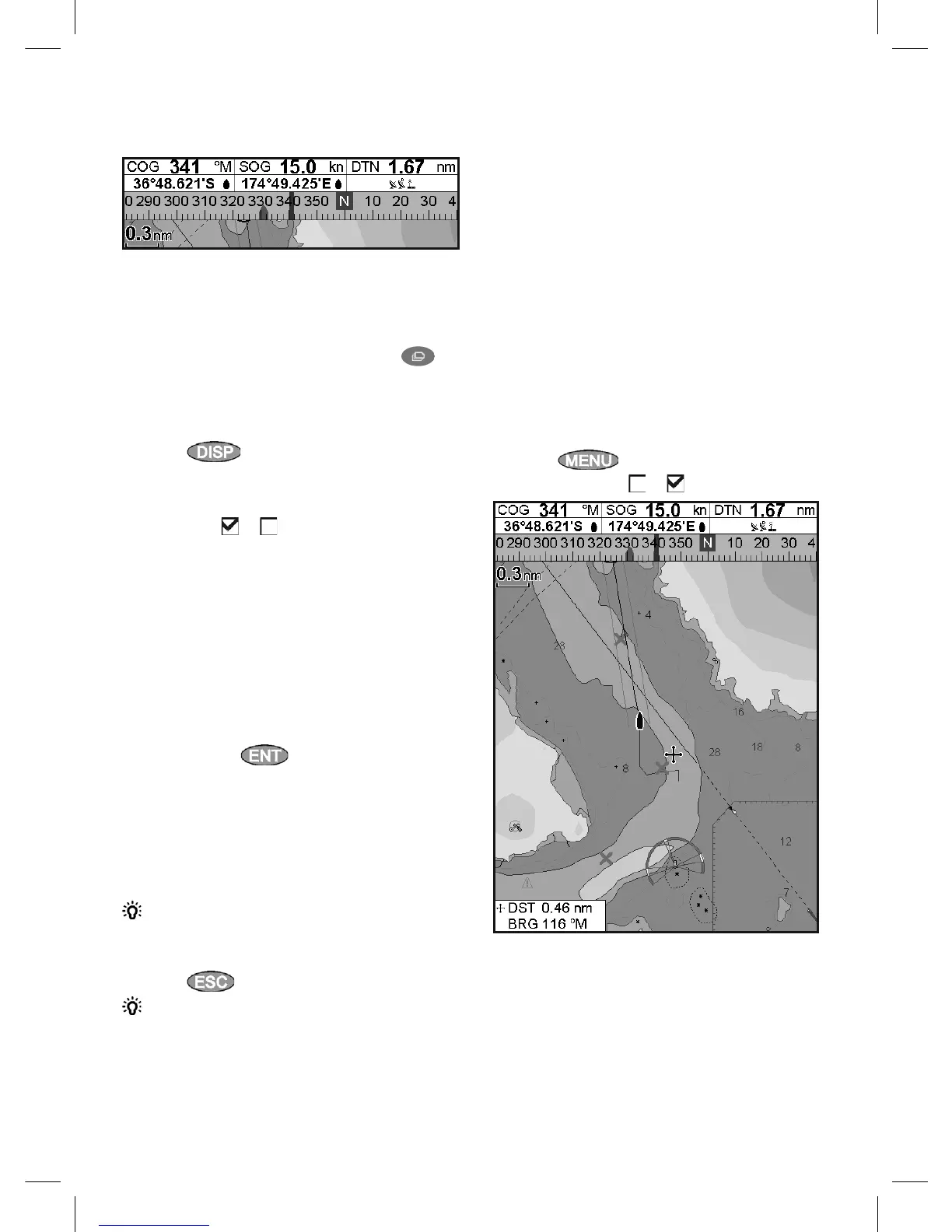
2-7-4 Compass
The chart, sonar and highway displays can show a
compass at the top of the window.
The compass always shows the boat’s course
over ground (COG), a black symbol in the middle.
When the boat is navigating to a point, the
compass also shows bearing to the destination
(BRG), a red symbol.
In this example, BRG is 332°M and COG is 341°M.
To turn the compass off or on:
1 Press
and select Data header.
2 Set Compass to or .



 To Next Page