QR-23
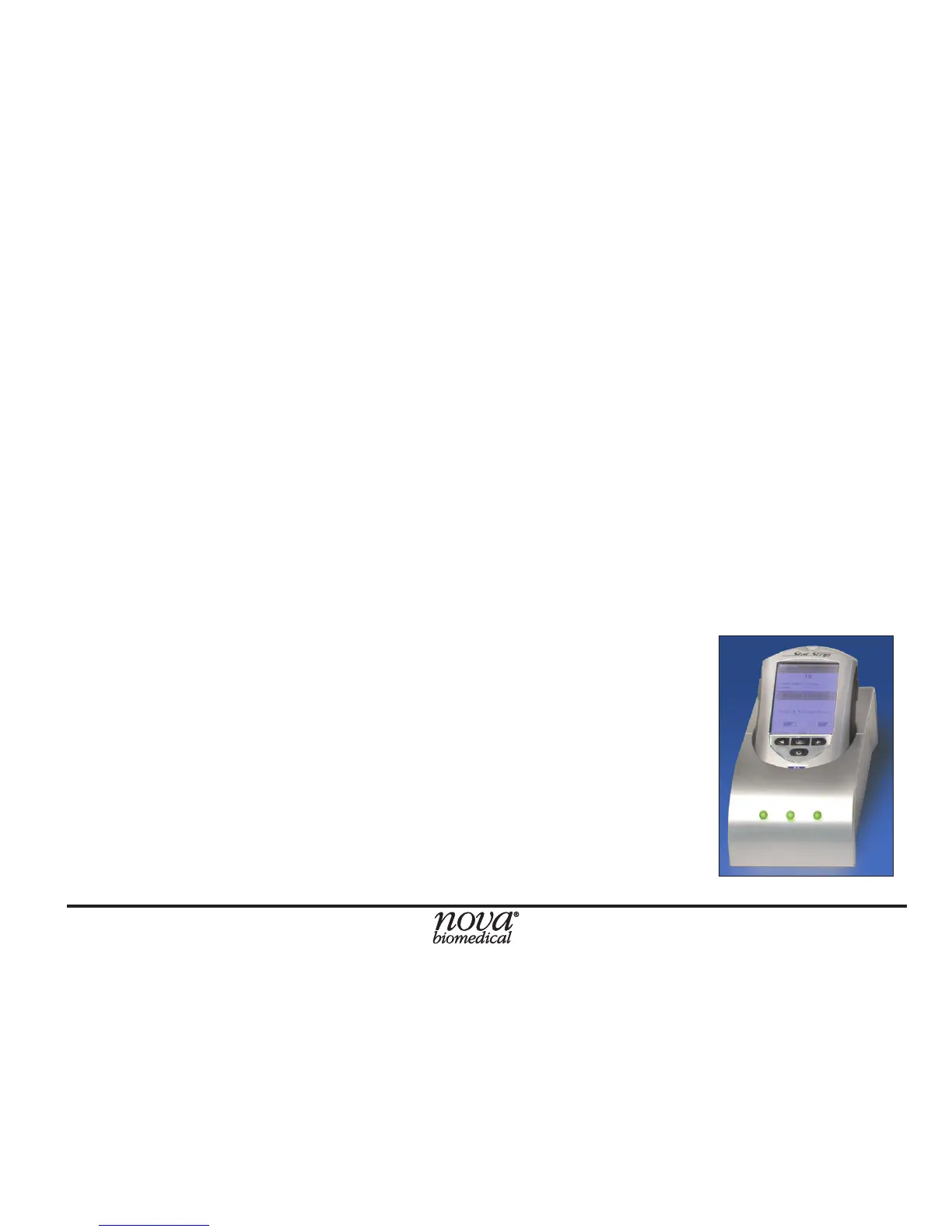
Docking/Charging Station
When the meter is not in use, place it into the Docking/
Charging Station. This enables the meter to stay fully
charged and connects the meter to the computer network.
When the Battery LOW symbol displays on the screen,
place the meter into the Docking/Charging Station. If you
have a spare battery that is already fully charged, change
the battery.
• The left, green light is on if the station
is connected to the network.
• The middle, green light is on if data is
transferring.
• The right light is green for fully charged
or amber for charging.



 To Next Page