MCTRL4K User‘s Manual
-4-
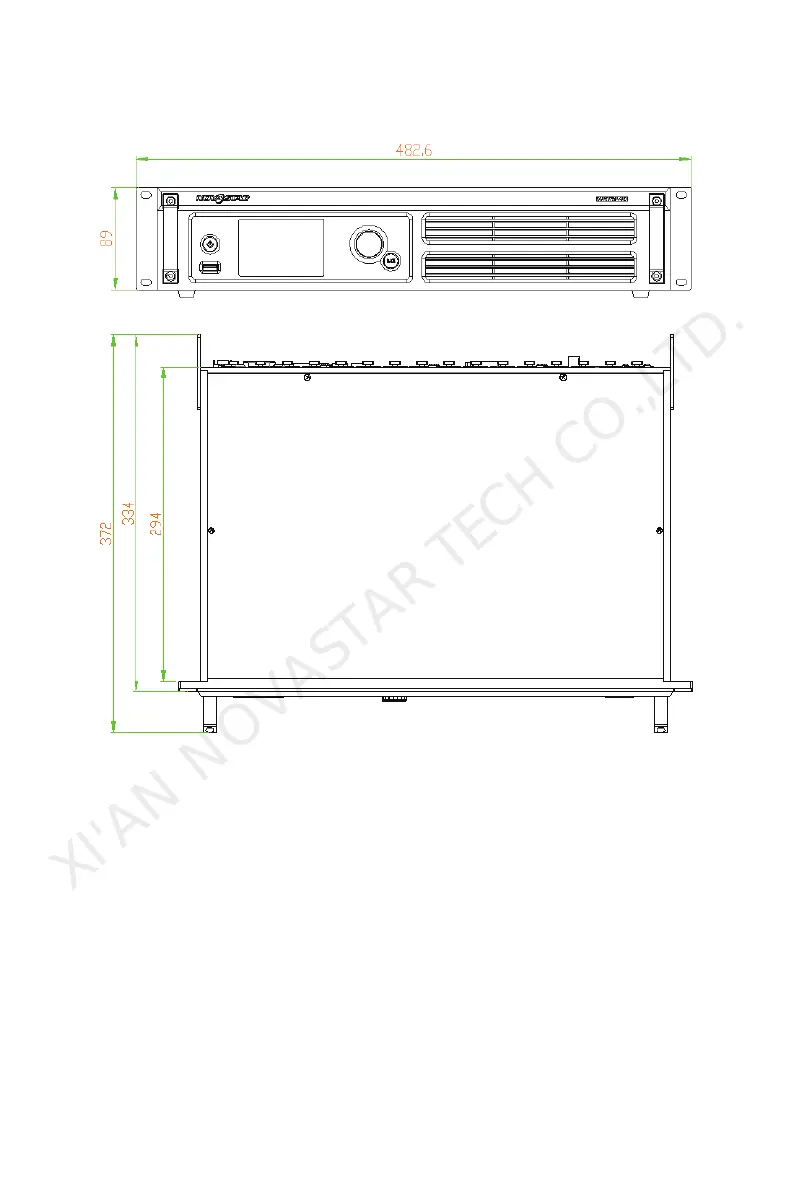
3 Dimensions
(mm)
4 Operating Motion Instruction
Knob
:
While in main interface, press the knob to enter menu interface;
While in menu interface, rotate the knob to select menus and press the
knob to select current menu or enter submenus;
Select a menu with parameters and rotate the knob to adjust the
parameters. Please remember to press the knob again for confirmation after
adjustment.
BACK
: A return button to exit from current menu or operation.
Lock /Unlock buttons
: Press and hold the knob and ESC key simultaneously.
XI'AN NOVASTAR TECH CO.,LTD.



 To Next Page