LED Display Controller Thunderview_S1
User Manual
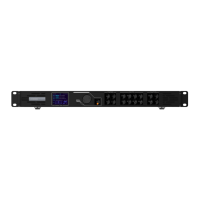
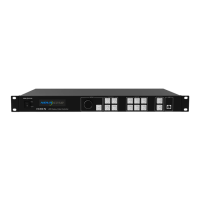
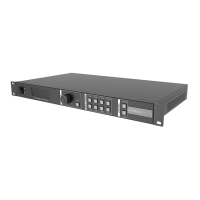
3 Appearance
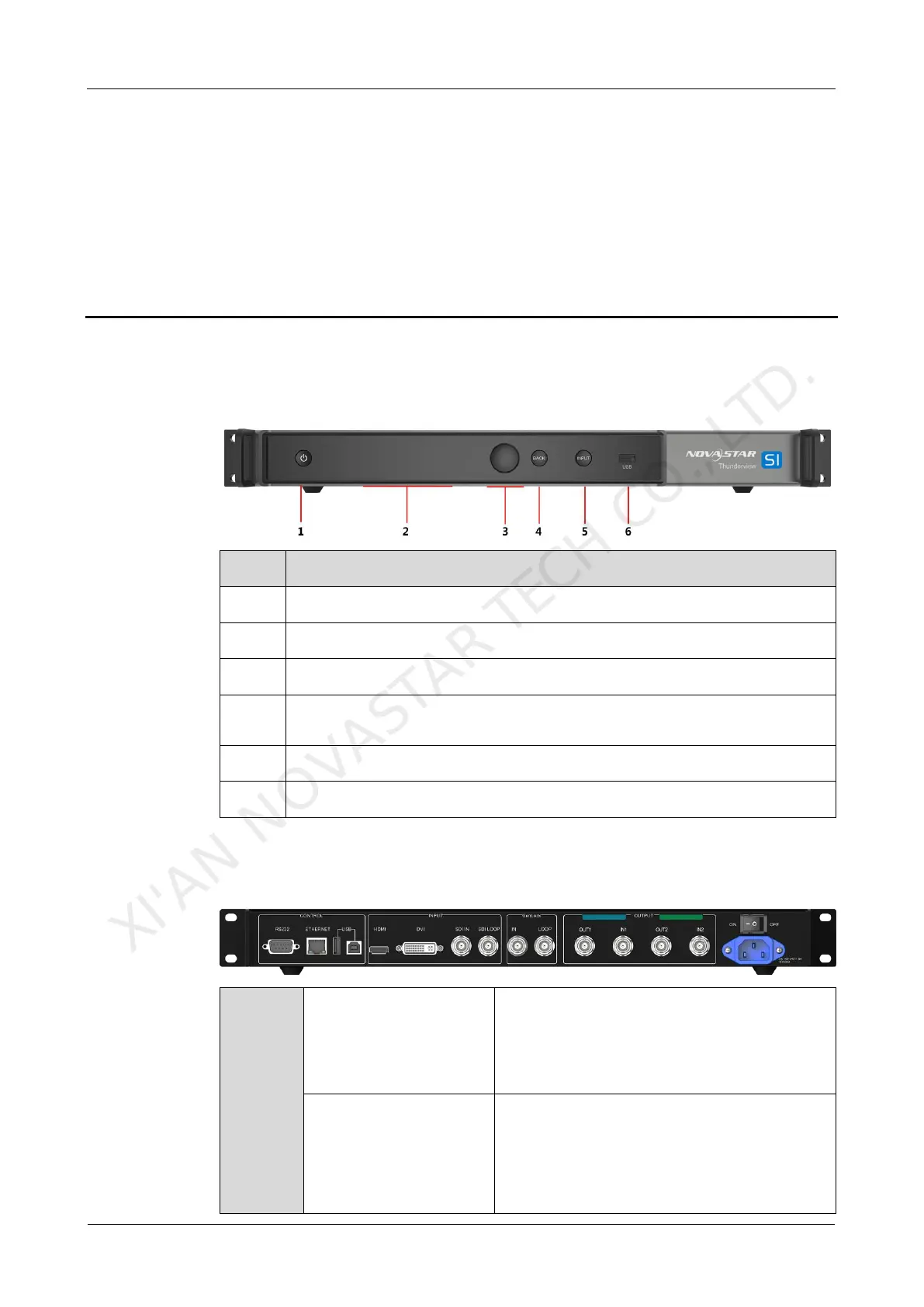
3.1 Front Panel
INPUT: Switches video sources.
Knob: Pressing the knob enters a menu or confirms an option or
operation. Rotating the knob selects a menu item or adjusts a parameter.
BACK: Pressing the button exits the current menu or operation.
USB port: Connects to a USB drive to update firmware.
3.2 Rear Panel
Standard HDMI 1.4a input
Supports 8-bit/12-bit.
For 8-bit, supports RGB 4:4:4 1080P.
For 12-bit, supports YCbCr 4:2:2 1080P.
Single-link DVI
Users can customize the resolution.
Maximum horizontal resolution: 3840
pixels
Maximum vertical resolution: 3840
XI'AN NOVASTAR TECH CO., LTD.



 To Next Page