—38—
Diagnostics
e Aero® press is programmed to detect some potential errors, which could lead to poor splice
results or possibly damage to the press. ere are two types of error messages which will be displayed:
Warning or Caution. If an error is detected, a message will display on the screen and it is imperative to
follow the message.
Warning Messages: ese are the more serious potential press errors. e message will advise the
potential diagnosis, failure notication and action the operator should take, such as disconnect power.
A continual warning beep is sounded until power is disconnected. It is not possible to continue
operation of the press, as continued use will lead to a more serious issue. e required action is to
arrange for press repair by contacting your local Flexco Customer Service.
Caution Messages: ese messages will alert the operator of potential press misuse or unusual cycle
activity. e message will advise potential diagnosis, failure notication and action the operator
should take, such as, check press connector bolts. A continual warning beep is sounded, which may
be turned o by pressing green start button. e operator may continue to operate press in caution
state; however, splice results may vary. If the press is used in this state and the problem becomes more
serious, the press will then display a Warning Message. Depending on the issue, a potential action may
be to arrange for press repair by contacting your local Flexco Customer Service.
Warning example:
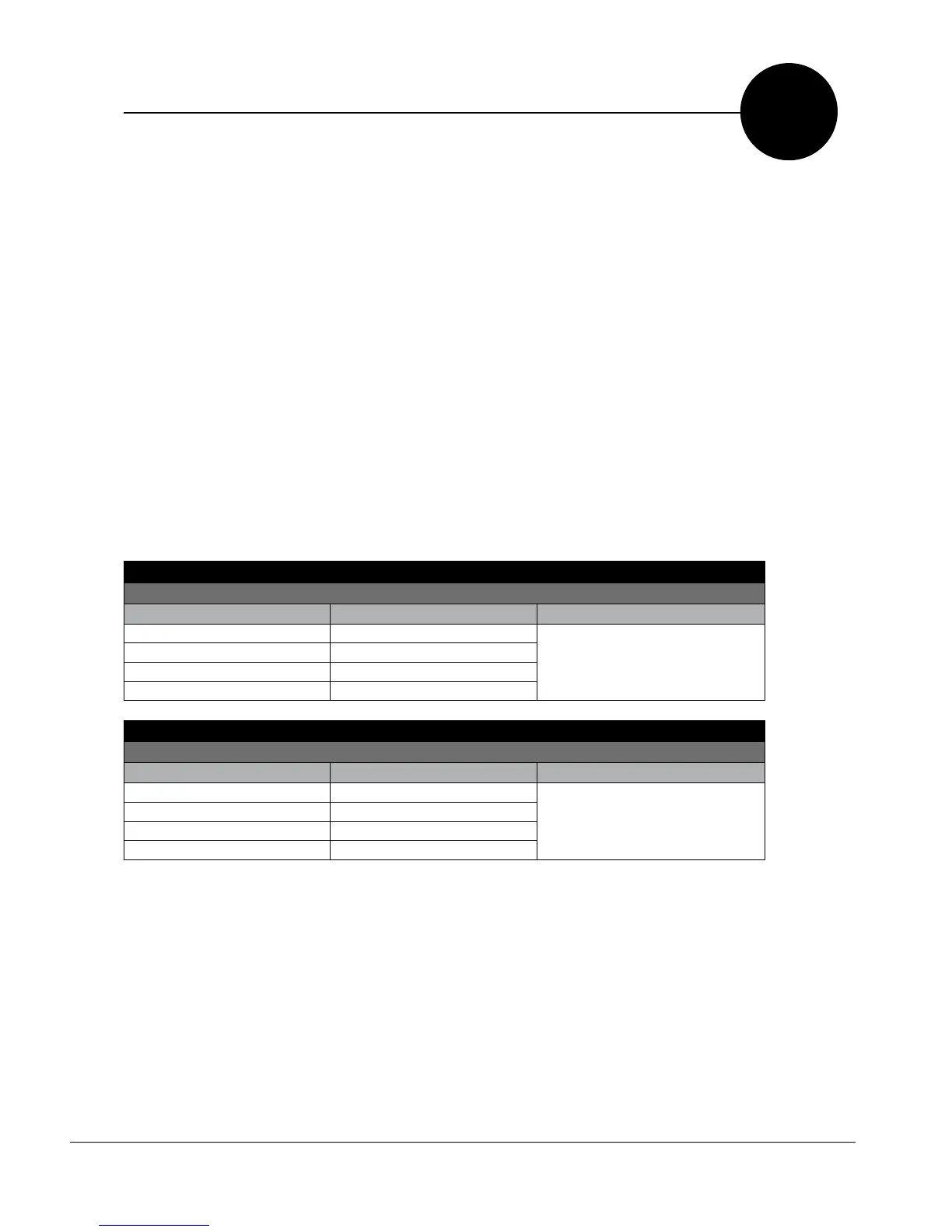
Potential Warning Error: Top heating exceeds recipe maximum temperature
Displayed Message Audible and LED Alarms Action
Warning ## Fast Beep
Contact local Flexco Customer Service
to coordinate repair.
Process Stopped No Beeper Reset
Unexpected Heat LED Is Red
Disconnect Power
Caution example:
Potential Caution Error: Press does not reach recipe maximum pressure in required amount of time
Displayed Message Audible and LED Alarms Action
Caution ## Slow Beep
Press green start button to halt beep. Check to
ensure all 4 press connector bolts are secure. Then
press green start button to continue splice process.
Processed Paused LED Is Yellow
Are clamp bolts tightened?
Proceed Process?
F


 To Next Page