– 61 –
4.1.6 Timer function
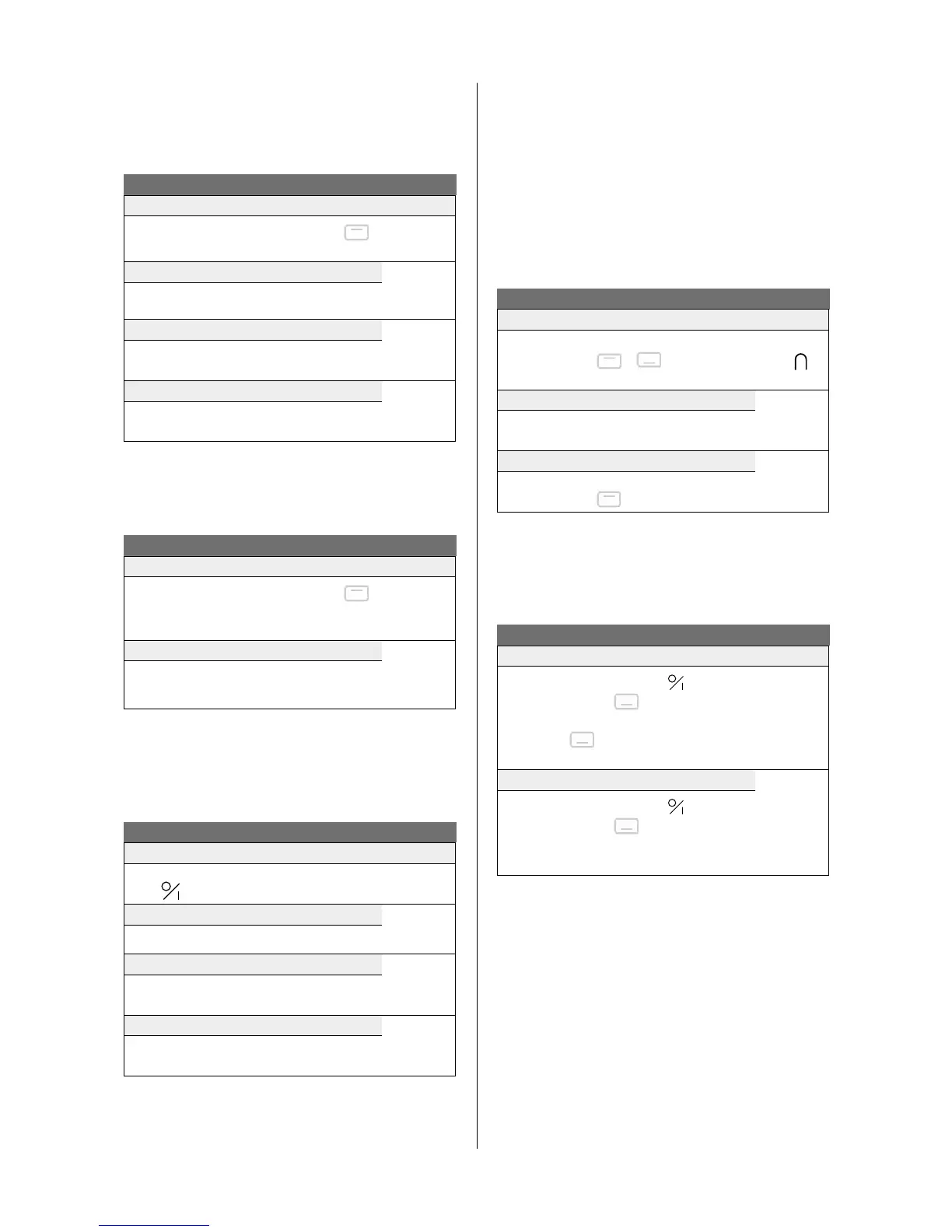
The timer function allows all cooking zones to be used
simultaneously for dierent periods of time (0 to 99 minutes)
for each zone.
Timer function
Setting or changing the cooking time
Display
Press the cooking zone selection button
.
Press
‐
and
+
at the same time.
1‐P
Select the timer
00
Press
‐
and
+
at the same time.
Reduce the time
60‐
59...
Press
‐
on the timer
Increase the time
01‐
02...
Press
+
on the timer
A point next to the power level display of the selected zone
lights up to show the activation of the timer.
The time has been selected and the countdown has begun.
Switch off the timer function
Select the timer
Display
Press the cooking zone selection button
.
Press
‐
and
+
at the same time.
The lamp
for that zone
lights up
Stop the timer
00
Keep pressing
‐
on the timer until the timer
displays
00
The timer can also be used as an independent cooking alarm
without selecting a cooking zone. If the hob is to be switched
o, the independent cooking timer will continue until the end of
the set time.
Using the timer without cooking
Timer without cooking
Display
Switch on the hob
Press
for 2 seconds
Select the time
00
Press
‐
and
+
simultaneously
Reduce the time
60‐
59...
Press
‐
on the timer
Increase the time
01‐
02...
Press
+
on the timer
The time has been selected and the countdown has begun.
Turn off automatically at the end of the cooking time:
As soon as the selected cooking time is complete, the display
will ash
00
, a beep will be heard, and the cooking zone will
turn o. To stop the buzzer and ashing light, press a control
button.
4.1.7 Manual Bridge function
This function allows you to link the 2 left and 2 right zones so
they operate as 2 large zones. This function can be activated
manually a large pot/pan be placed on the cooking surface.
Bridge function
Manual activation
Display
Simultaneously press on both cooking zone
selection buttons
+ of the zones A1,
A2 or B1, B2 to be linked.
0
Increase the power
0‐9
Press the
+
or
‐
button
Switch bridge function off
0
Simultaneously press on both cooking zone
selection buttons
of both linked zones.
4.1.8 Locking the controller
To avoid a hob selection being changed, during cleaning for
example, the controller must be locked (except the on/o
button).
Locking
Lock
Display
1. Switch the hob on using the
button.
2. Press the
‐
and buttons of the right
front zone simultaneously.
3. Press the
button of the front right zone
again.
L
Unlock:
0
1. Switch the hob on using the button.
2. Press the
‐
and buttons of the right
front zone simultaneously.
3. Press the
‐
button again.


 To Next Page