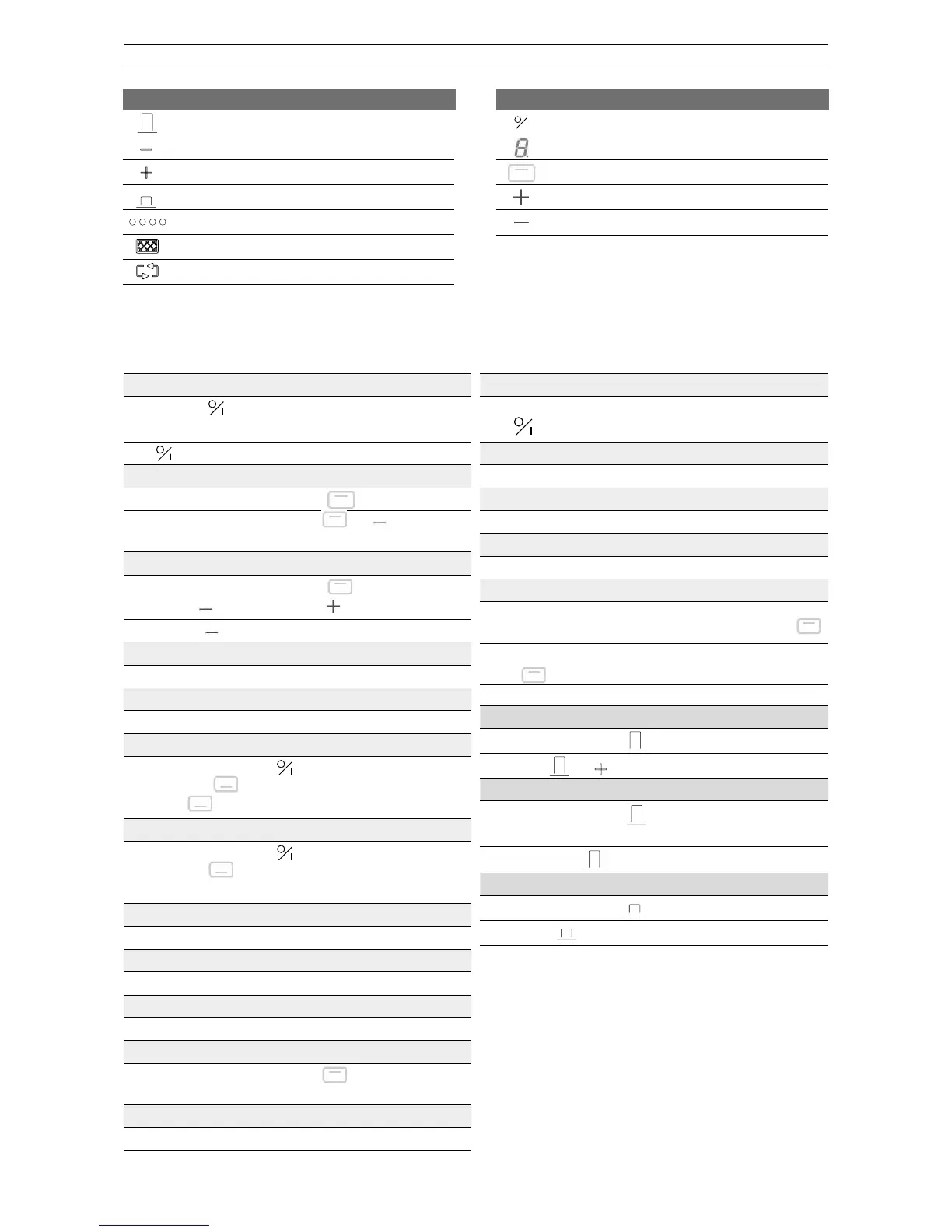
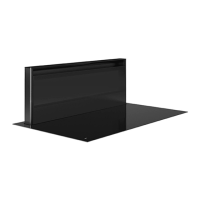
Low extraction mode
Extraction indication
Cleaning indication for grease lter
Cleaning indication for recirculation lter (optional)
Hob control
On/o control key for the hob
Power level indication
cooking zone selection
Increase power level
Reduce power level
OVERVIEW OF THE FUNCTIONS ONE POWER
Switch hob on/off
Press and hold for 2 seconds.
Cooking zones display lights up.
Press . Cooking zones display extinguishes.
Switching a cooking zone on and off
Press the cooking zone selection button
Press the cooking zone selection button and simultaneously
until the display shows 0 or H = “Hot”.
Switching Power on and off
IN -
Press cooking zone selection button
Press the button and then the
button until P
OFF - Press the button.
Power limit
Selected cooking zone with Power function [P]
Power limit activated
[9] is reduced to [8] and ashes [8].
Locking the controller
1. Switch the hob on using the
button.
2. Press the - and
buttons of the right front zone simultaneously.
3. Press the
button of the right-front zone again.
Unlocking the controls
1. Switch the hob on using the
button.
2.
Press the ‐ and
buttons of the right front zone simultaneously.
3. Press the ‐ button again.
Timer function
Press - and + at the same time.
Reduce the time
Press -
Increase the time
Press +
Switch off the timer function
Press the cooking zone selection button
.
Press + and - at the same time.
Stop the timer
Press - until timer is set to 00.
Using the timer without cooking
Switch on the hob.
Press
for 2 seconds.
Select the timer
Press - and + at the same time.
Reduce the time
Press - on the timer.
Increase the time
Press + of the timer.
Operate bridge function manually
ON - Simultaneously press the 2 cooking zone selection buttons
.
OFF - Simultaneously press the 2 activated cooking zone selection
buttons
.
Extractor hood - Switch on the highest mode/raised position
SWITCH ON: Press and hold


 To Next Page