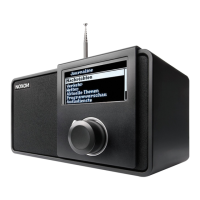
DHCP
DHCP enable
Set static IP
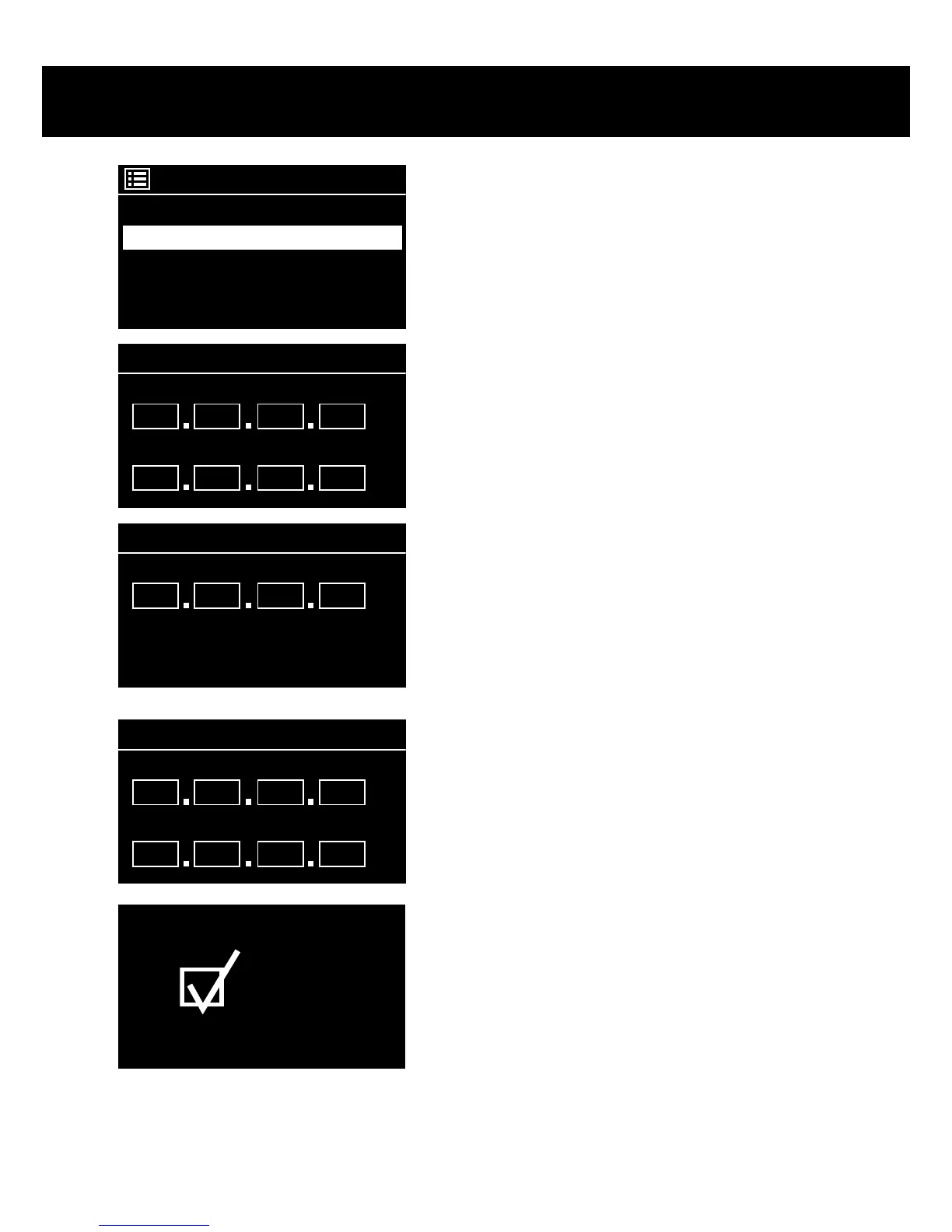
To assign a static IP to the NOXON, select [Manu-
al Cong].
In the following menu, please select [Set static IP].
IP settings
IP adress
Subnet mask
192
168
1
2
255
255
255 0
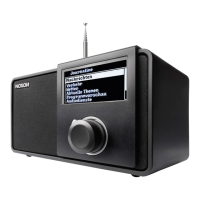
Here you can enter the corresponding values us-
ing the navigation dial. To get to large numbers
(such as 192) more quickly, turn the dial to the left.
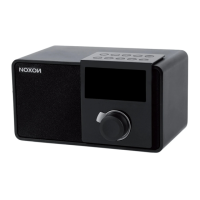
To go to the next eld, press the dial or the OK
button on your remote control.
Gateway adress
Gateway adress
192
168
1
1
Then, you have to specify the gateway address.
DNS
Primary DNS
Sekundary DNS
192
168
1
1
0
0
0 0
Now, just enter the DNS address…
Connected
…and you’re done!


 To Next Page