13
2 – Speed
The speed is your near real-time electricity consumption. You can display this in one of
three ways by pressing the Up p button:
• £/h - The approximate cost per hour of your current electricity usage level
• kW - An estimate of the amount of power currently being used (0.2kW = 200 Watts,
or 2 x 100 Watt light bulbs)
• kgCO
2
/h – An estimate of how much carbon dioxide is being emitted per hour
as a result of your electricity usage
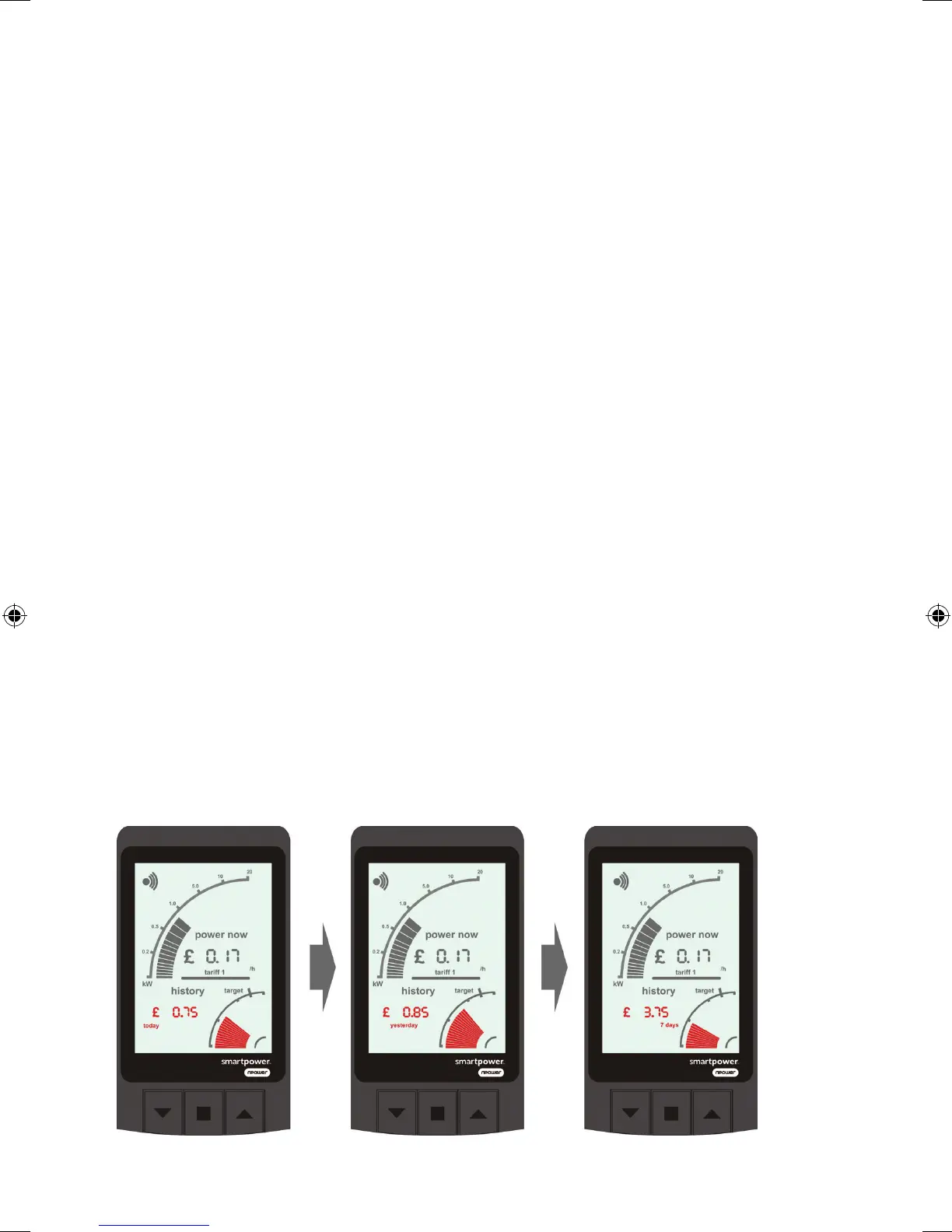
3 - Milometer
The milometer shows how much electricity you’ve used. You can display this in
one of three ways by pressing the Up p button:
• £ - An estimate of the cost of electricity used in the time shown
• kWh - The approximate amount of electricity used in the time shown
• kgCO
2
- An estimate of how much carbon dioxide has been emitted as a result
of your electricity usage in the time shown
You can see your usage for different periods by pressing the Down q button:
• Today shows approximate consumption up to the current time today
• Yesterday shows approximate consumption for the previous day
• 7 days shows the total approximate consumption over the last 7 complete days
Yesterday’s and 7 days’ figures will update at midnight each day. If the monitor
has not recorded a full set of data for the time period shown it will flash.
RF10135 npm9738 Piccolo guide 01 12.indd 13 13/02/2012 15:58



 To Next Page