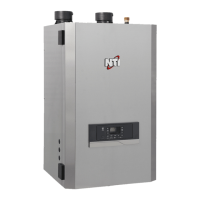
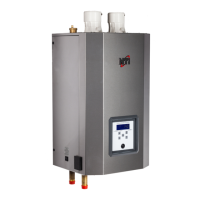
Matrix Installation and Operation Instructions
Setting Matrix Boiler Control (Sentry)
Programming is accomplished by a series of three push buttons located on the bottom side of the control.
(Function, and ). To enter the programming mode, press the function key once. To scroll through the various
menu options depress until the menu is displayed. To alter the value press Function once, and the current value
will be displayed, then use for up, and for down, until the desired value is obtained. To enter the selected
value press Function, which will return to the menu. When all desired values are selected, scroll to the RUN
menu, and press Function, which exits the Programming Mode and initiates normal operation. A safety feature
has been added to ensure that if the control is left in the Program Mode, the unit will turn off if left in program
mode longer than 30 seconds without receiving an input. Press Function once to continue programming or to start
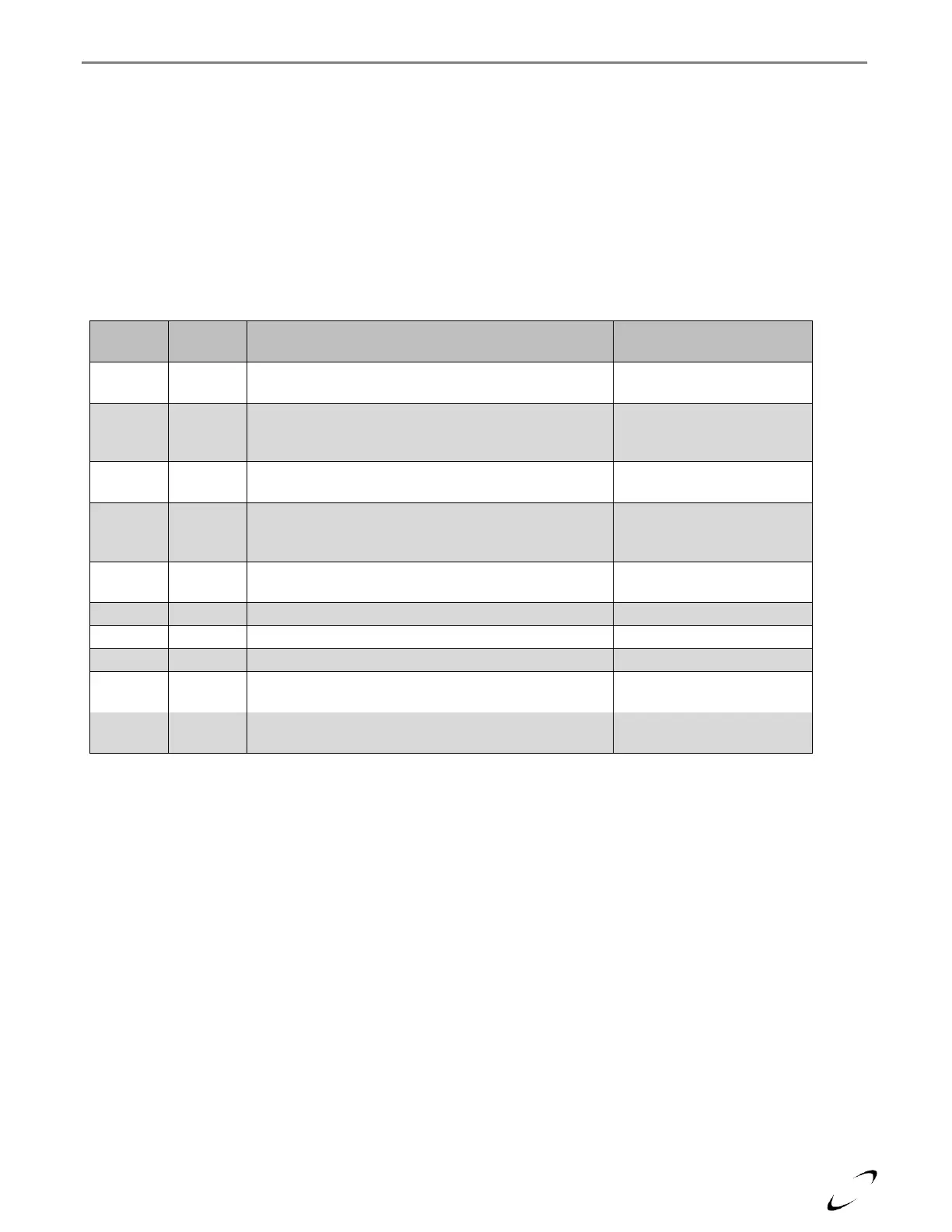
boiler operation. See Table 13-4 for a description of the boiler control settings.
Table 13-4 Matrix Boiler Control Programming
Program Mode - When Run is displayed controller is in
‘Prog’ mode. Arrow up or down to scroll through menus
100-120 Infloor (High Mass)
140-160 Infloor (Low Mass)
140-160 Fan Coil
Auxiliary Heat Setpoint – prior to outdoor reset
adjustment
Differential Setting - Applies only to Hydronic setpoint.
Temperature difference below setpoint at which burner
will re-light.
Sets Outdoor Reset Curve Slope – See Determining
Reset Temperature for more information.
Freeze Protection – Operates burner and circulator if
temperature drops below 40ºF.
Storage Feature Timer – Length of time in hours
storage feature will keep boiler hot.
To start the control operation, you must return to RUN in the menu, and press Function. Normal operation will begin.
Controller will return to RUN mode if no button is pressed for 2 minutes.



 To Next Page