- 33 -
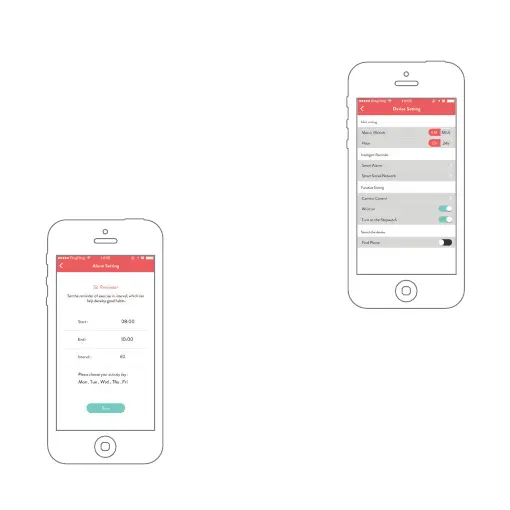
Setting Your Band under Device Setting
• Change between metric and imperial
measurements by tapping the units.
• Change the time mode between 24 hours
and 12 hours mode.
• Set Alarm about sedentary reminder and
other event reminder.
A) Sedentary Reminder
1. Tap into the Alarm
setting screen.
2. Tap Sedentary Settings.
3. Select which hours you
would like to be reminded to move, which
hour you want to enable the reminder, and
reminder interval.
4. Set which days you want reminding (tick
the boxes) next to the days you prefer to be
reminded.
5. Save the setting to sync the data to the device.


 To Next Page