- 35 -
D) Capture Photo
To use your Nuband Pro GPS as a remote for taking a photo
1. Tap into the Device screen
2. Tap Capture Photo
3. Set up your phone and pose for the shot
4. When you’re ready, tap the screen of Nuband Pro GPS band
5. Your photo(s) will be in your phone’s photos app
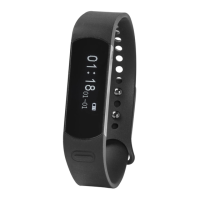
E) Wrist On
Through turn your hand over to show the
screen time, you can set it ON through
both device and App.
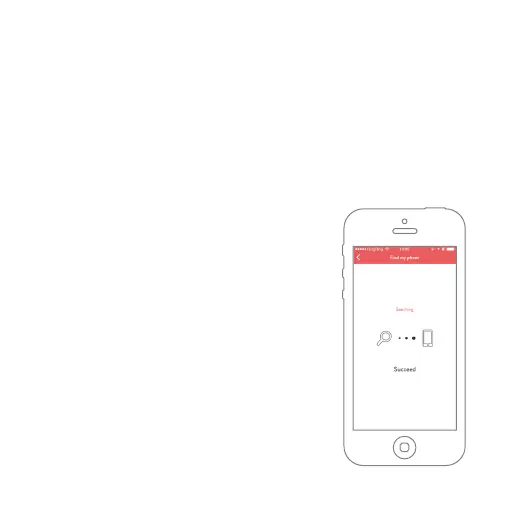
F) Phone Finding
Find Phone ON remind you when your
phone is out of Bluetooth Range, also
you can find your phone through app
online to get if the Phone is near with
your band.


 To Next Page