- 8 -
SETTING UP YOUR NUBAND PRO GPS
Follow the steps below to set up your Nuband Pro GPS
1. Charge your Nuband Pro GPS for 2 hours
prior to use
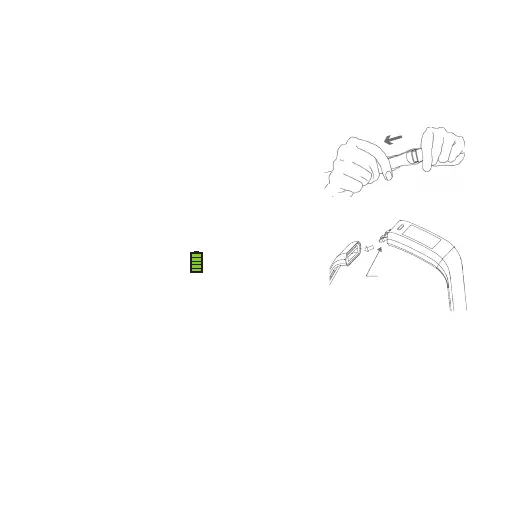
a. Remove the module from the longer part
strap, then plug the module into a USB
charge socket (either on a computer or
a plug)
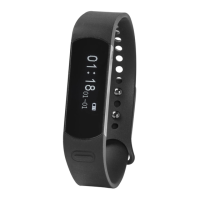
b. The screen will show battery symbol
when it is being charged.
2. Ensure the Bluetooth is enabled on your smartphone
3. When your Nuband Pro GPS is charged, re-seat the module into
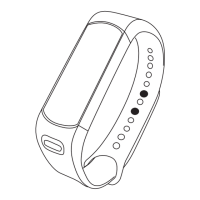
the strap, place the Nuband on your forearm close to your wrist
and fasten to the band hole fit.
USB Charging
Port


 To Next Page