EasyManua.ls Logo

Numark CDN25 - User Manual

Numark CDN25
16 pages
Print Icon
To Next Page IconTo Next Page
Loading...
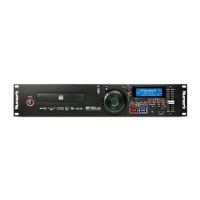
CDN25
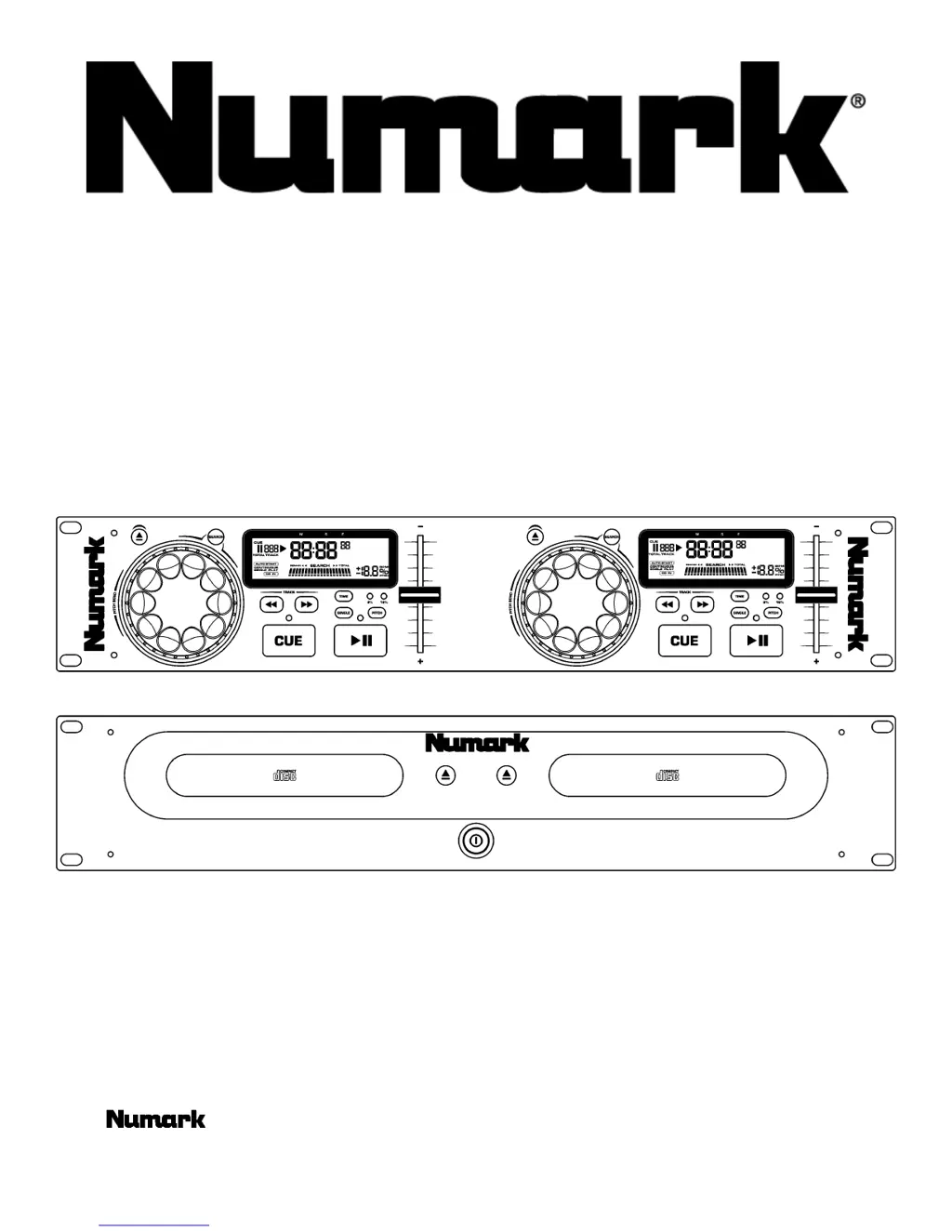
PROFESSIONAL DUAL CD PLAYER
MANUAL
©2001 Industries http://www.numark.com

Other manuals for Numark CDN25

Questions and Answers

  • C
    Christopher ThorntonJul 30, 2025
    What to do if my Numark CDN25 CD Player has no sound?
    • C
      Chelsea ValenzuelaJul 30, 2025
      If you're not getting any sound from your Numark CD Player, there might be a couple of things to check. First, make sure your output cables are correctly connected. Also, verify that your amplifier is properly set up.
  • J
    Juan NguyenAug 4, 2025
    Why does the sound skip on my Numark CDN25?
    • J
      James ThomasAug 4, 2025
      Sound skipping on your Numark CD Player can be caused by a couple of things. It could be that the CD player is experiencing vibrations or physical shock, so try changing its location. Alternatively, the disc might be dirty, so give it a clean.
  • S
    sergiomaldonadoAug 11, 2025
    What to do if disc play does not start on Numark CDN25?
    • D
      Daniel WilsonAug 11, 2025
      If your Numark CD Player isn't starting disc play, there are a couple of possible reasons. First, check that the disc is loaded with the label side up. If it is, the disc might be too dirty, so try cleaning it.
  • S
    Sarah RichardsonAug 16, 2025
    How to fix Numark CDN25 if it doesn't turn on?
    • M
      markburtonAug 17, 2025
      If your Numark CD Player isn't powering on, ensure the power plug is firmly inserted into the AC outlet. Also, check that the IEC power cord is securely connected to the rear of the unit.
  • D
    Dalton TrujilloAug 22, 2025
    Why is my Numark CDN25 humming?
    • L
      Lisa StewartAug 22, 2025
      A humming sound from your Numark CD Player could be due to loose cable connections. Ensure that all audio plugs are firmly connected.

Summary

Safety Instructions

General Safety Precautions

Covers all safety and operating instructions for using the product, including placement and cleaning.

Electrical and Laser Hazards

Details precautions against electric shock, laser radiation, and proper electrical connections.

Servicing and Maintenance Guidelines

Instructions for servicing, replacement parts, and electrical safety checks.

Introduction and Package Contents

Product Congratulations

Welcome message and congratulatory note to the new owner.

Key Features Overview

Highlights the main functionalities and capabilities of the CDN25.

Included Items Checklist

Details all components and accessories provided in the product box.

Setup and Connections

Mounting and Physical Setup

Guidelines for mounting units in racks and ensuring secure placement.

Cable Connections

Describes how to connect the CD player to a mixer and power source.

Voltage and Digital Output Configuration

Information on setting voltage and using digital output features.

Front Panel Features and Controls

Key Controls and Display Elements

Explains the function of buttons, jog wheel, and LCD display.

Advanced Functions and Operation

Details pitch control, CD drawer, power switch, and further explanation of play/cue functions.

Rear Panel Connections and Features

Rear Panel Ports and Connectors

Details the Control Cable, IEC Power, RCA Audio, and Digital Output connectors.

Voltage Selection Switch

Explains the function and operation of the voltage selector switch.

Display Features and Indicators

Display Indicators and Modes

Explains all indicators, time modes, and playback status shown on the LCD display.

Play, Pause, and Cue Operations

Understanding Play, Pause, and Cue Functions

Details how to play, pause, set cue points, and use back cue operations.

Editing Cue Points

Explains the process of setting and editing cue points using the jog wheel.

Beat Matching Techniques

Matching Tempo with Pitch Slider

How to adjust tempo using the pitch slider to match music speeds.

Fine-Tuning Beats with Pitch Bend

Using the pitch bend function for temporary pitch adjustments to align beats.

Mixing Example with Two CD Players

Step-by-Step Mixing Procedure

Illustrates the process of mixing two tracks using the CD players and a mixer.

Safe Power Off Procedure

Disc Tray Closure Before Power Down

Ensures the disc tray is closed before powering down the unit.

Troubleshooting Guide

Common Problems and Solutions

Lists symptoms, causes, and corrective actions for device issues.

Technical Specifications

Disc and Audio Performance Specs

Details disc compatibility, audio quality, and interface specifications.

Physical and Power Specifications

Lists dimensions, weight, power supply, and consumption details.

Limited Product Warranty

Warranty Coverage and Exclusions

Outlines what the warranty covers, what is excluded, and liability limits.

Obtaining Warranty Service

Details the procedure for returning equipment for warranty repair.

Numark CDN25 Specifications

General IconGeneral
TypeDual CD Player
BrandNumark
ModelCDN25
Playback FormatsCD, CD-R, CD-RW
Disc Capacity2
Jog WheelYes
Loop ControlsYes
Master TempoYes
OutputRCA
Digital OutputNo
Pitch Control±8%, ±16%

Related product manuals