36
ENGLISH
Before starting to use the appliance, the opera-
tor must be sure to have read and understood
the safety prescriptions contained in this boo-
klet.
6.1
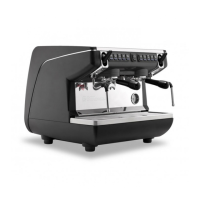
APPIA V
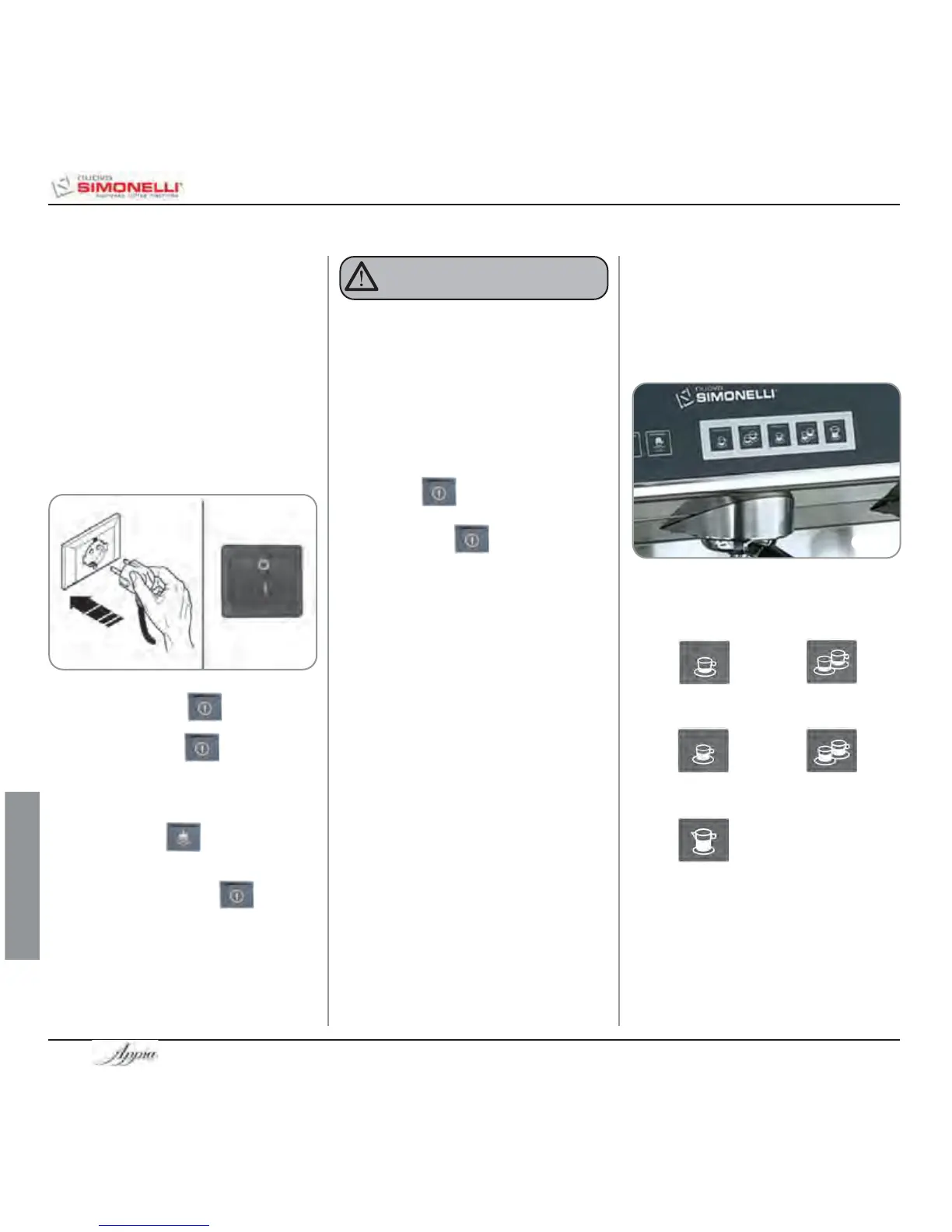
Fig. 21
6.1.1 SWITCHING THE MACHINE
ON
• Plug the machine into the mains power soc-
ket.
• Set the main switch (no. 13, Fig 1) to “ON”.
When servicing the electronic machine
card, switch off the machine using the
external main switch and unplug the power
cord.
WARNING
6. USE
The LED of the on key will begin to
flash.
Hold down the on key for 5 seconds.
At this point, the Flash-test will begin; this is
where all LEDs are switched on for three
seconds, after which the test is complete and
the hot water key will switch off.
The fact that the machine is operating is shown
by the LED of the on switch and all
delivery keys, which remain lit.
NOTE: all selection keys are enabled from the
end of the diagnostic operation.
6.1.2 SWITCHING THE MACHINE
OFF
• To switch off the machine, hold down the
on/off key for about 2 seconds.
The machine will switch off and the LED on
the on/off key will start to flash
again.
• Set the main switch to “OFF”.
6.2
APPIA ESSE
6.2.1
SWITCHING THE MACHINE
ON
• Plug the machine into the mains power soc-
ket and set the main switch to “ I ”.
6.2.2 SWITCHING THE MACHINE
OFF
• Set the main switch to “ O ”.
6.3
SELECTION
CONFIGURATION
Set the desired function on the available keys
placed above the filter-holders (see chapter
“DESCRIPTION”).
Fig. 22
BUTTONS KEY
(Selection configuration)
1 small coffee
2 small coffees
1 long coffee
2 long coffees
Continuous








 To Next Page