8. PROGRAM. ON/OFF
This is used to program the automatic switch-
ing ON/OFF for the machine, only with the
machine switch in the ON position.
The default setting for the machine has all
days of the week set to “STANDBY” and there-
fore, the main switch must be used to switch
the machine on and off.
Press the ENTER key to access the submenu
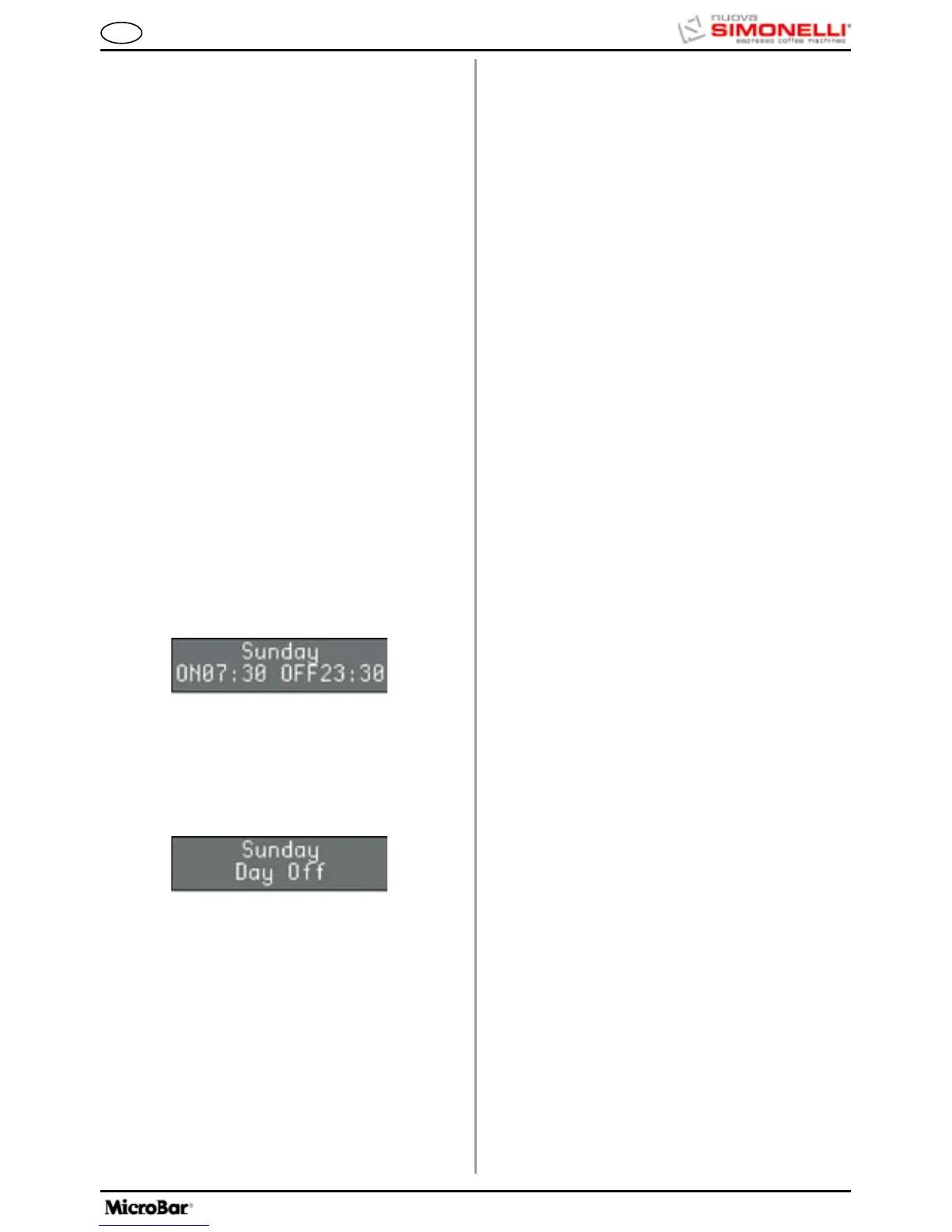
and the display will read as follows:
Press the keys to view the settings for each
day of the week.
Press RESET to set SUNDAY as the weekly day
off, which will de-activate the automatic on and off
function.
The display will read as follows:
Press ENTER to reactivate the automatic on and off
function.
To confirm the setting, press the key, which will
then pass to the settings for the following day.
Press ENTER and the switch on timer will begin to
flash; use the keys to increase / decrease the
time setting.
Once the required time has been set, press ENTER
to set the following day.
After SATURDAY, press the key to return to the
previous menu.
9. ENERGY SAVING
This is used to set the time after which the
machine enables the energy-saving device,
while still keeping the water tank at working
temperature.
Press the ENTER key to access the submenu.
1 Hours:Minutes
Use the keys to increase / decrease the time
after which the ENERGY-SAVING function is enabled
by 30-minute intervals. This function is deactivated if
the timer is left at zero.
Press the RESET to quit the submenu and return to
the main menu, confirming the new setting.
7. DATE/TIME
Press the ENTER key to access the submenu.
This is used to set the date and time to be
displayed on the machine.
1 Day
2 Hour
3 Minutes
The keys increase or decrease the values set
for the relevant function.
The RESET key quits the submenu and returns to the
main menu without confirming the new settings.
The ENTER key scrolls through each single item in
the submenu and confirms the new setting.
Once the date has been set, the function returns to
the main menu.









 To Next Page