24
Owner’s Manual
FUNCTIONS (Continued)
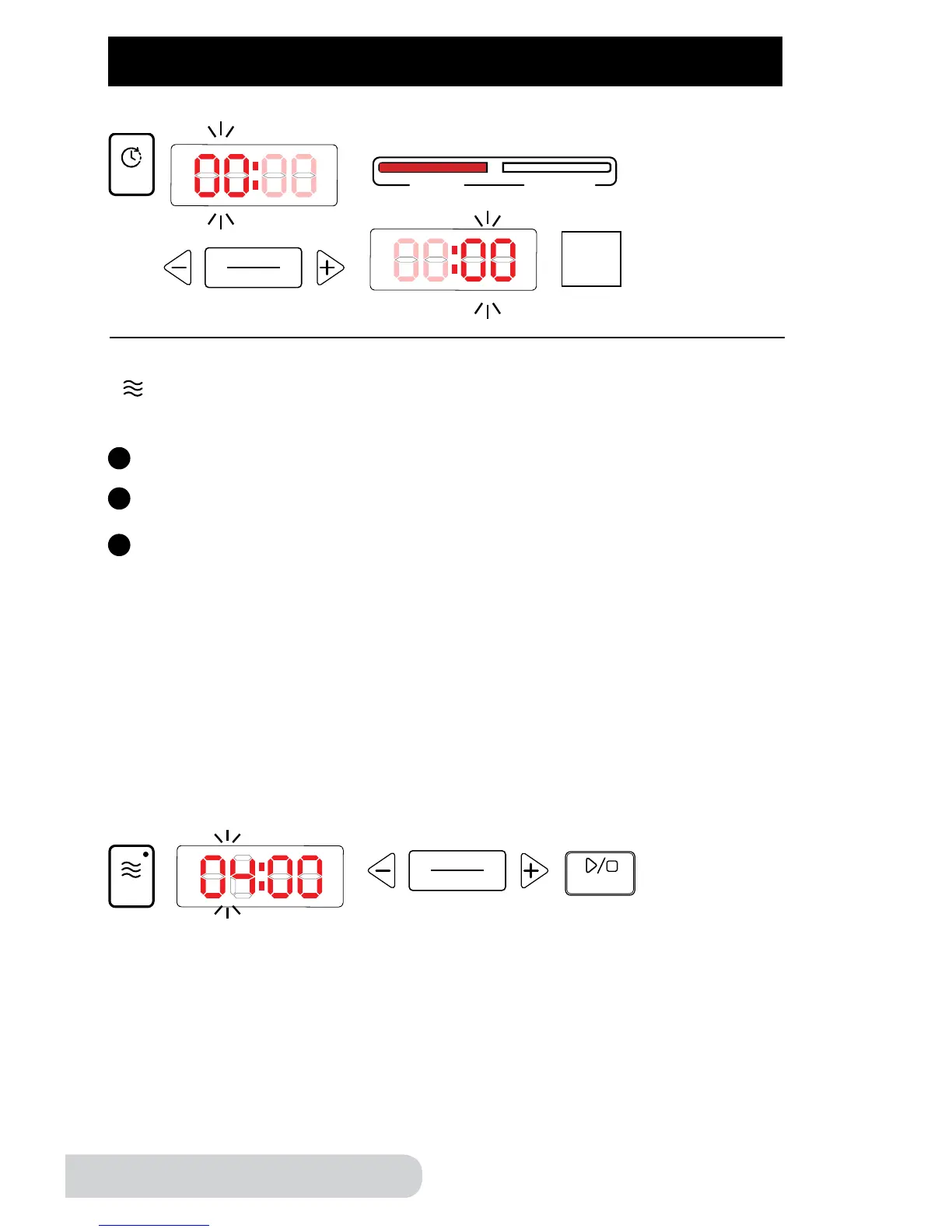
Warm: This function will let you manually adjust the time you would like to keep
your food warm.
Directions:
Press the “warm” button, and the display will show “04:00”.
Press “+” or “-” to increase or decrease the time. See “hours/minutes”
section for instructions on adjusting the time.
Press “start/stop” to start.
1
2
3
Example:
Step
5
Note:
• The default time for the warm function is 4 hours, the minimum time is
1 hour, and the maximum time is 24 hours.
• Warm function can be used when Lid is open, closed, or closed and locked
into place.
• Time can be adjusted in 1-hour increments.
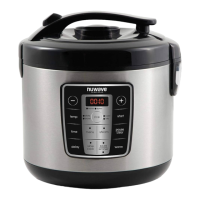
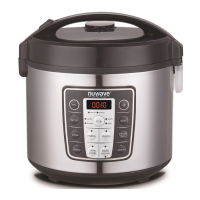
The pressure cooker will automatically go to the warm function when a desired
preset has completed. Refer to the Auto Warm Feature chart on page 20 for
default warm times.
Example:


 To Next Page