Page 7 of 22
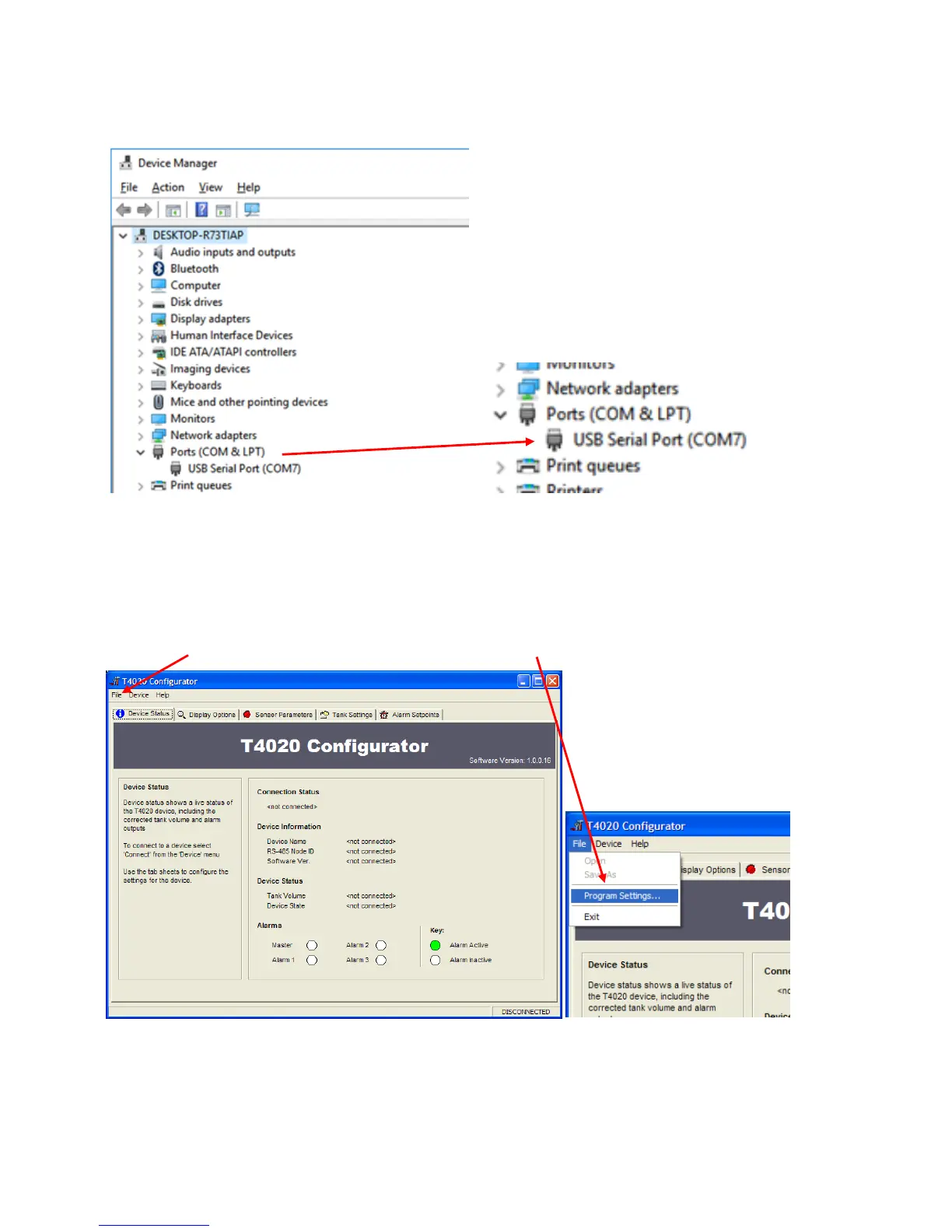
Scroll down and there will be a folder Ports (COM & LPT). It should show the USB Serial Port with the Com
port it is attached to, in this case, (COM7), this will vary on whatever computer the programmer is attached.
This is the figure that is entered in the T4020 Configuration Software. The communications lead RED LED
should flash when you try to connect the USB programmer to show the address for the lead is correct.
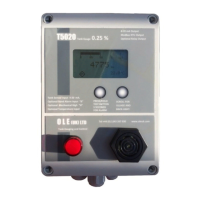
Connect the Programmer to the T5020 Gauge as shown in Page 4.
Configurator Software.
Next step is to open the T4020 Configuration Software.
Click on the File tab. On the drop down menu, click on the Program Settings tab.


 To Next Page