10
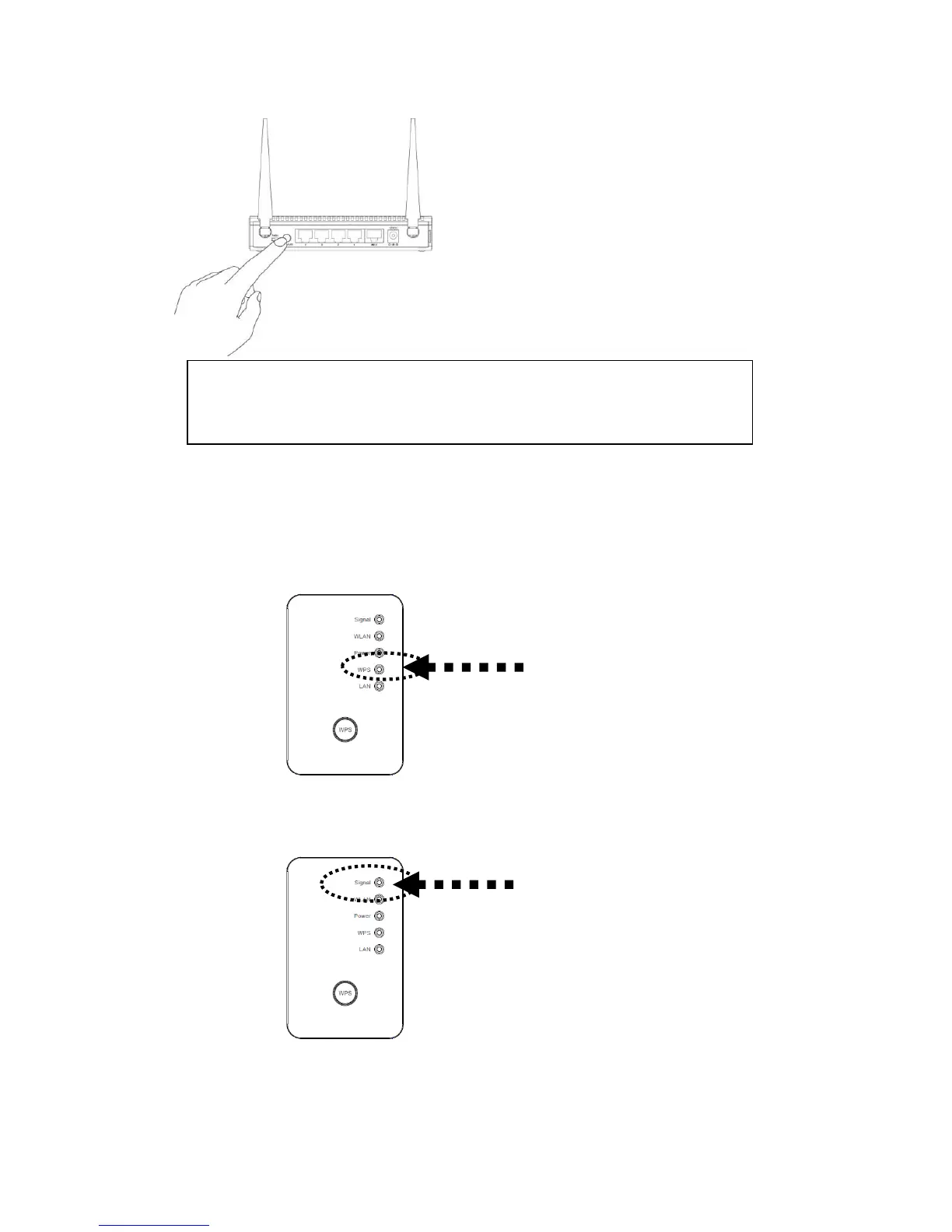
(4) If WPS connection is successfully established, ‘WPS’ LED will light for 5
minutes; if ‘WPS’ LED flashes fast, there’s something error, please wait for 2
minutes until ‘WPS’ LED off, and try from step(1) again.
When connection is created, the Wireless signal LED will turn on.
(5) Please move this Range Extender to the place you wish to use (a better place will
be the center of your house) and insert this Range Extender into power outlet on
NOTE:
This WPS button position on wireless router is for example, different device
may have different WPS button position.



 To Next Page