14
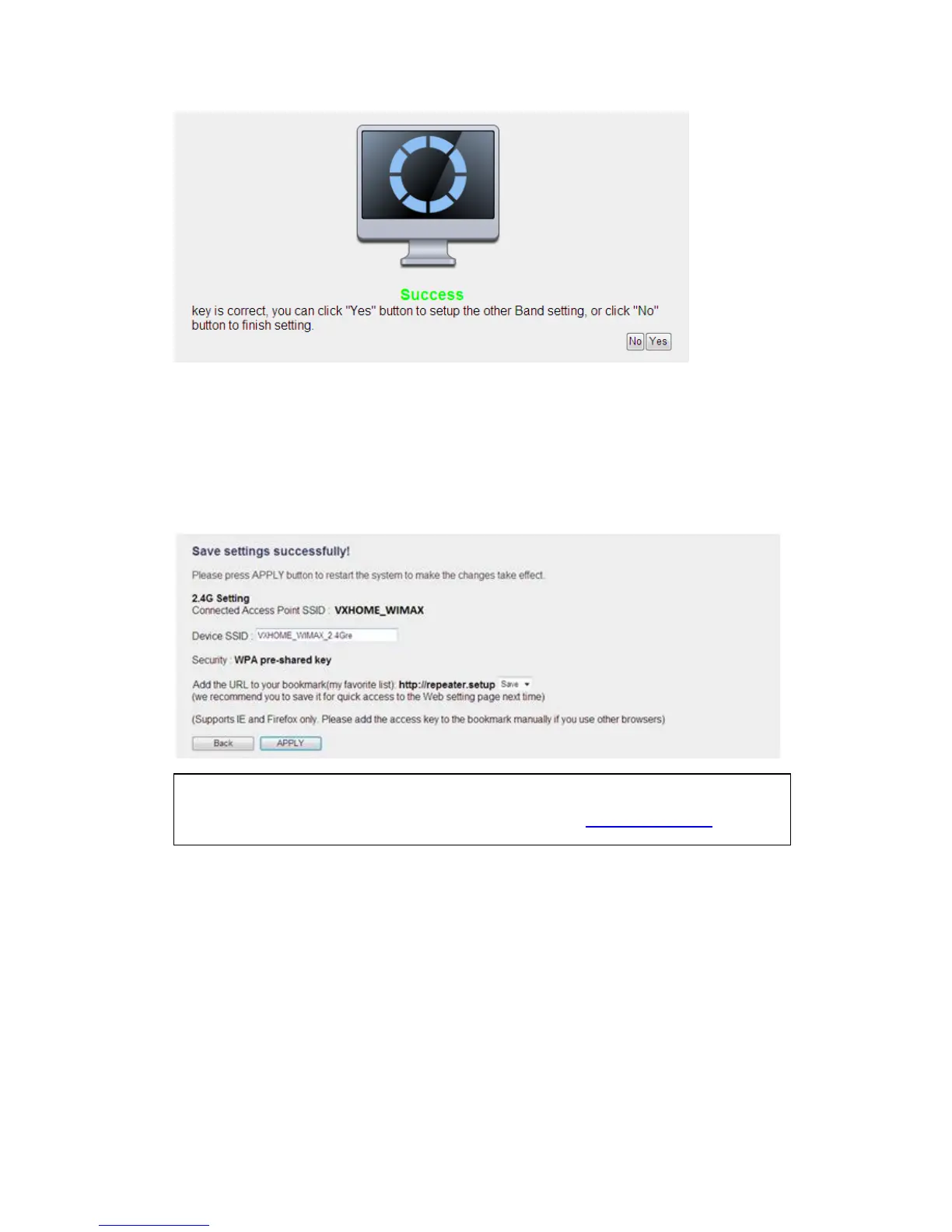
(8)After settings successfully, you can set your own SSID to your extend wireless
(Default SSID will be XXX_YGre (XXX is the SSID of the wireless router you
connected, Y is the wireless band), please press “APPLY” to end the setting or
press “Back” to return the setup page.
(9)The Range Extender will reboot to make your setting effect, after restart, you can
move this Range Extender to the place you wish to use (a better place will be the
center of your house) and insert this Range Extender into power outlet on the wall,
the wireless connection will be established automatically.
2-1-2 AP mode setup
Before you setup this Range Extender, please make sure the mode swtich set to “AP”
NOTE:
We recommend you to copy your ‘firmware URL’ (for example: http://repeater.setup ) to you
bookmark for quickly login into setting page next time.



 To Next Page