15
side, and please make sure your Wired / Wireless Router you want to connect with
this Range Extender support DHCP service
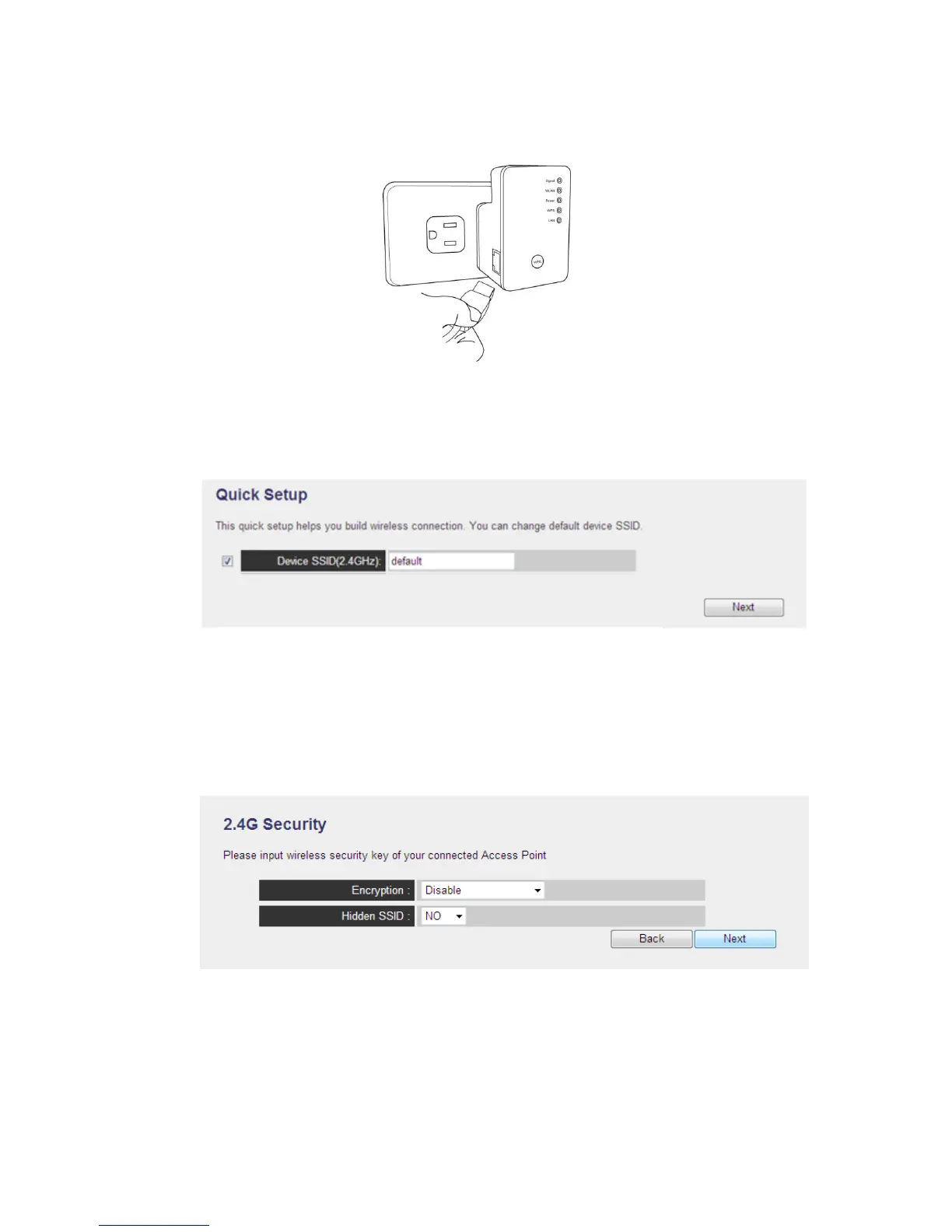
(1) Connect the Range Extender and your PC with an Ethernet cable.
(2) Open the Web browser from your PC, it will direct to the website for setup
(3) Setup your SSID for this Range Extender (you can also enable / disable Wireless
signal in this page), then press “Next” to continue.
(4) Please setup the encryption to your wireless



 To Next Page