21
2-2-2 Advance Settings
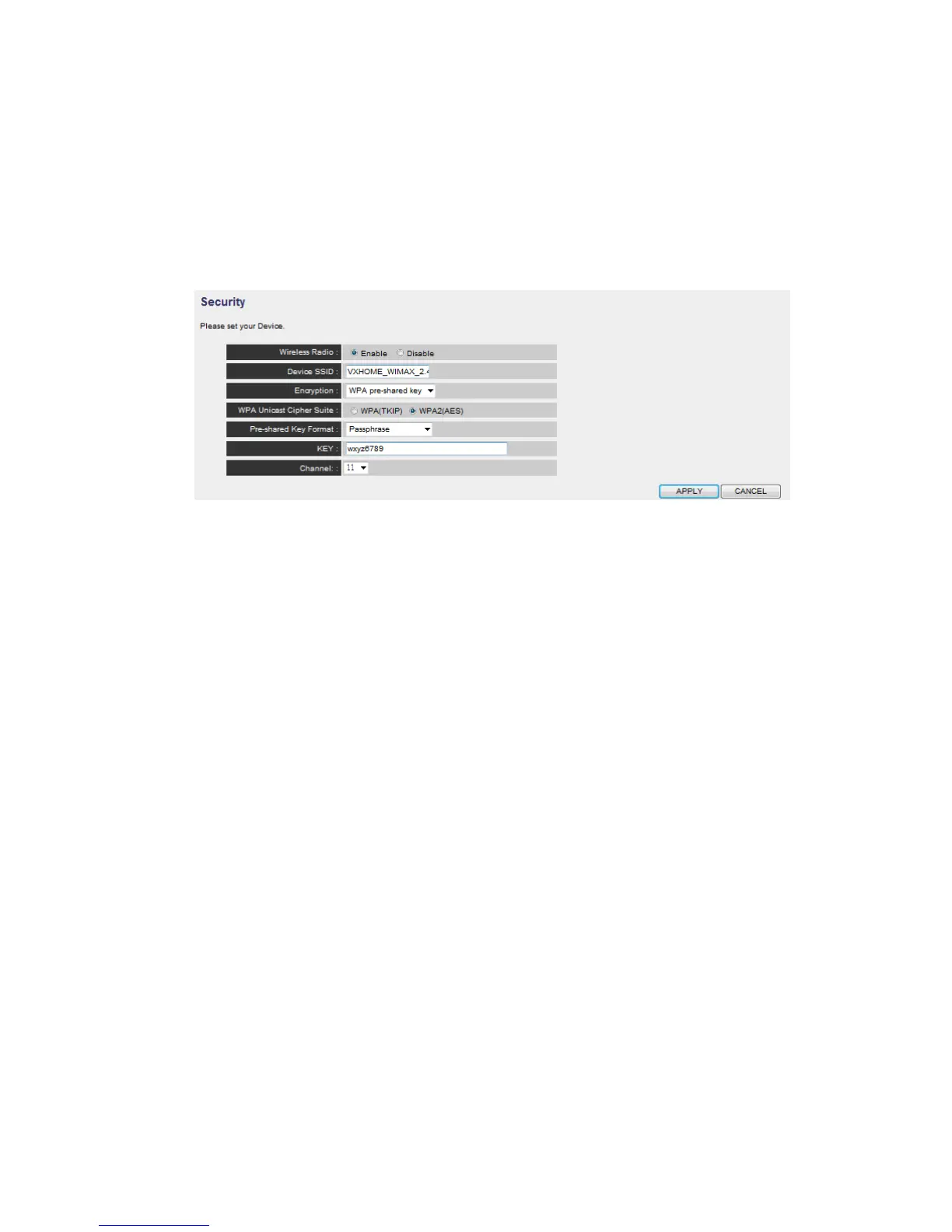
A. WLAN Settings: Setup extended SSID, Encryption and channel to 2.4G
connection manually, you can also disable the 2.4G radio in this page.
B. MAC address filtering: It’s a security settings for access control, you can deny
the user with specified MAC in the list, please follow the ways the setup the
MAC address filtering:
a. Enable the option “Enable Wireless Access Control”
b. Fill in the MAC address ( 10 characters) and comments (not necessary) in
the slot on the bottom of this page.
c. Press “Add” button to increase the MAC address to the table.
d. Press “Apply” button to make it effect.
e. In the MAC address table, you can select one or select all to delete in the
list



 To Next Page