9
2-1-1 Repeater mode setup
Before you setup this Range Extender, please make sure the mode swtich set to
“Repeater” side, to setup the repeater mode, you have 2 way to make it, one is by
WPS button, another is by the Web browser.
2-1-1a Setup by WPS button
(1)Please move this Range Extender to near the Wireless Router you want to connect,
and insert it to the power outlet.
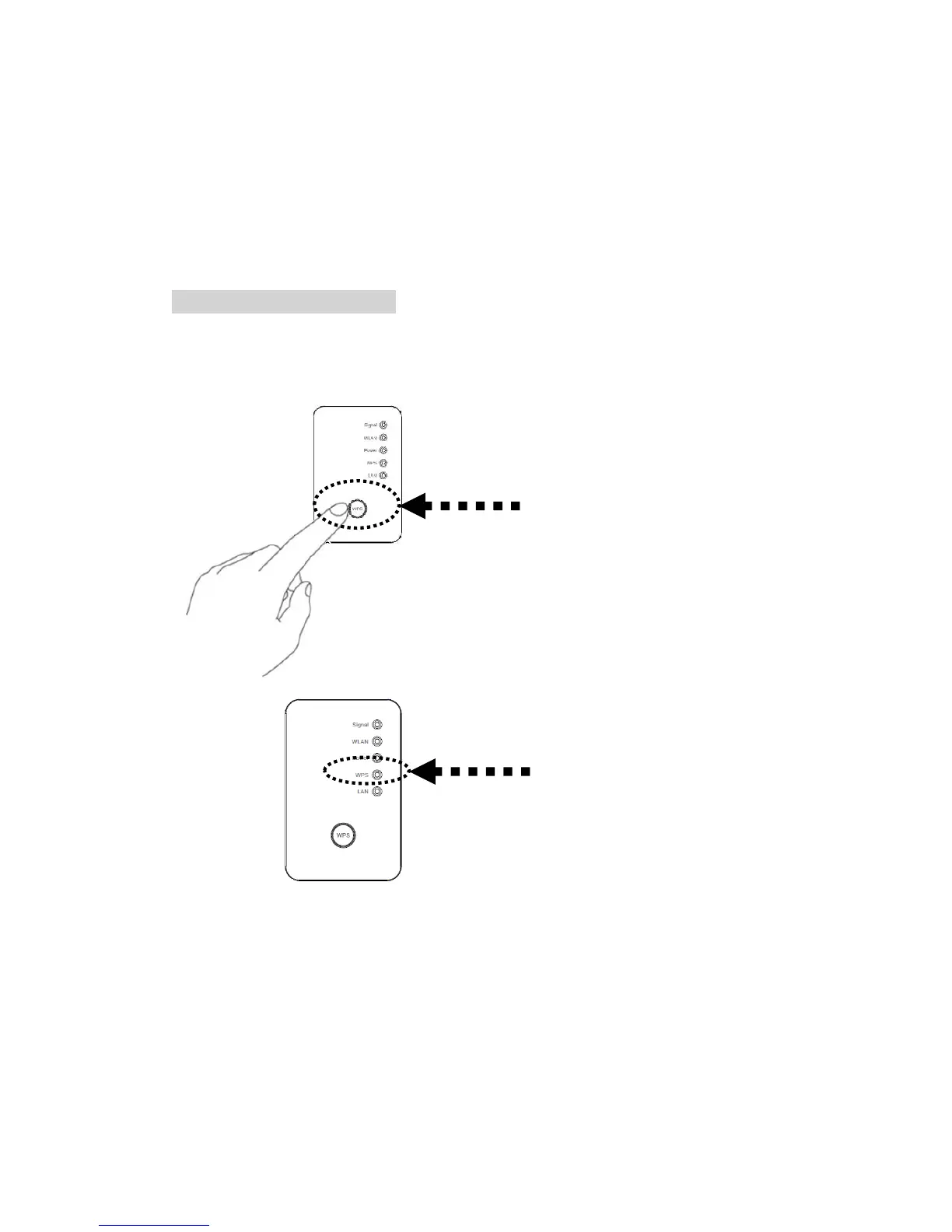
(2) Press one click on WPS button, ‘WPS’ LED will start flashing.
(3)Then press WPS button on the wireless router you wish to connect within 2
minutes.



 To Next Page